MIOPS MOBILE Remote User Manual
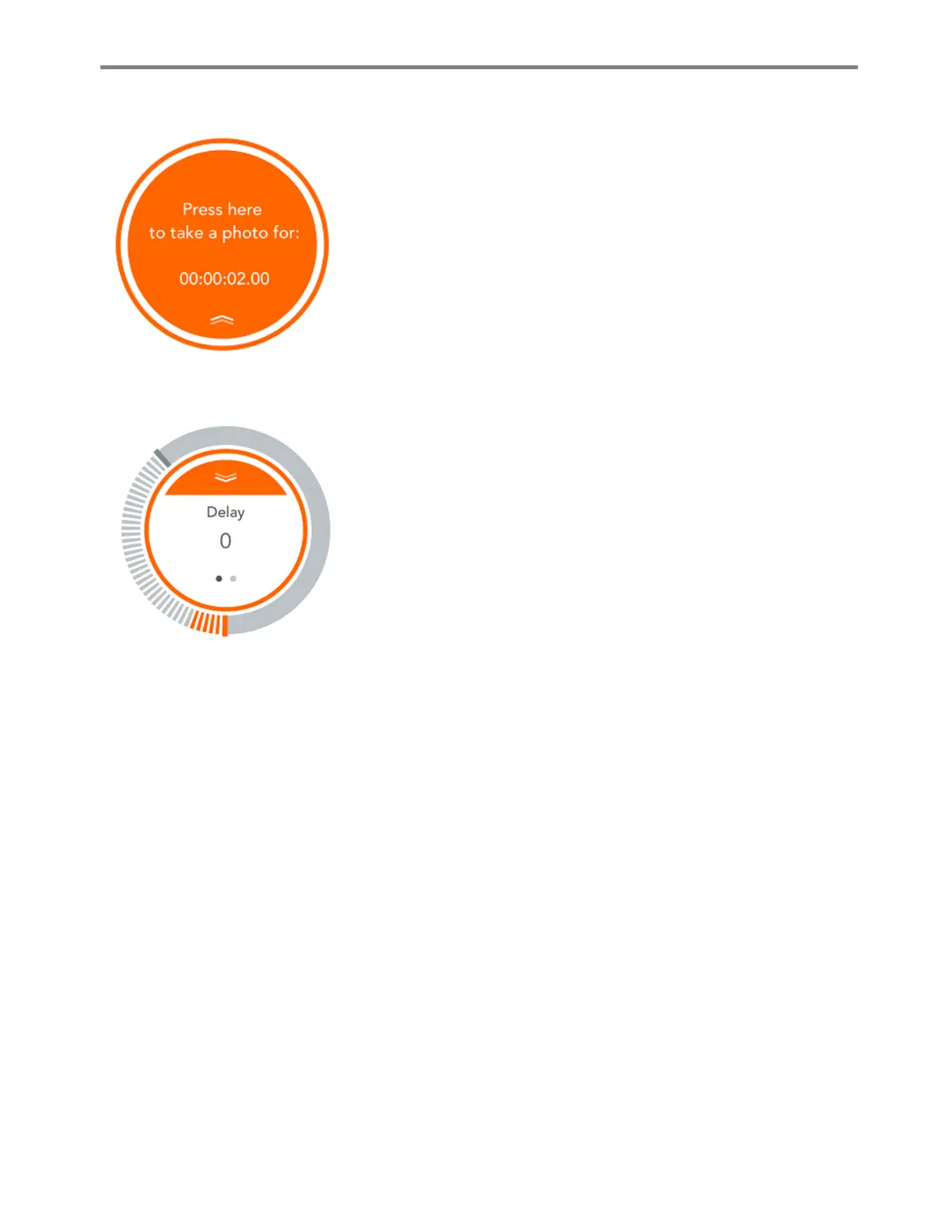
If a mode has parameters to be set, the action button will have a
notch on top. This means, you cannot start the mode running until
you set the parameters and then pull the “curtain” down by
holding the notch and then pulling it down.
Once you pull the curtain down, the button will be enabled and
you can start the mode by touching it. If you want to change the
parameters, you need to push the curtain up again. After that, the
parameters will be displayed and you can set the parameters at
your own choice.
Some modes have a threshold parameter. The threshold
parameter will appear round the circle. You can move the bar
along the circle to set the threshold value. Again, in order to
enable the button, you need to pull the curtain down. The
measured value will be shown on the threshold line in real time.



 To Next Page