MIOPS MOBILE Remote User Manual
b. Package Content
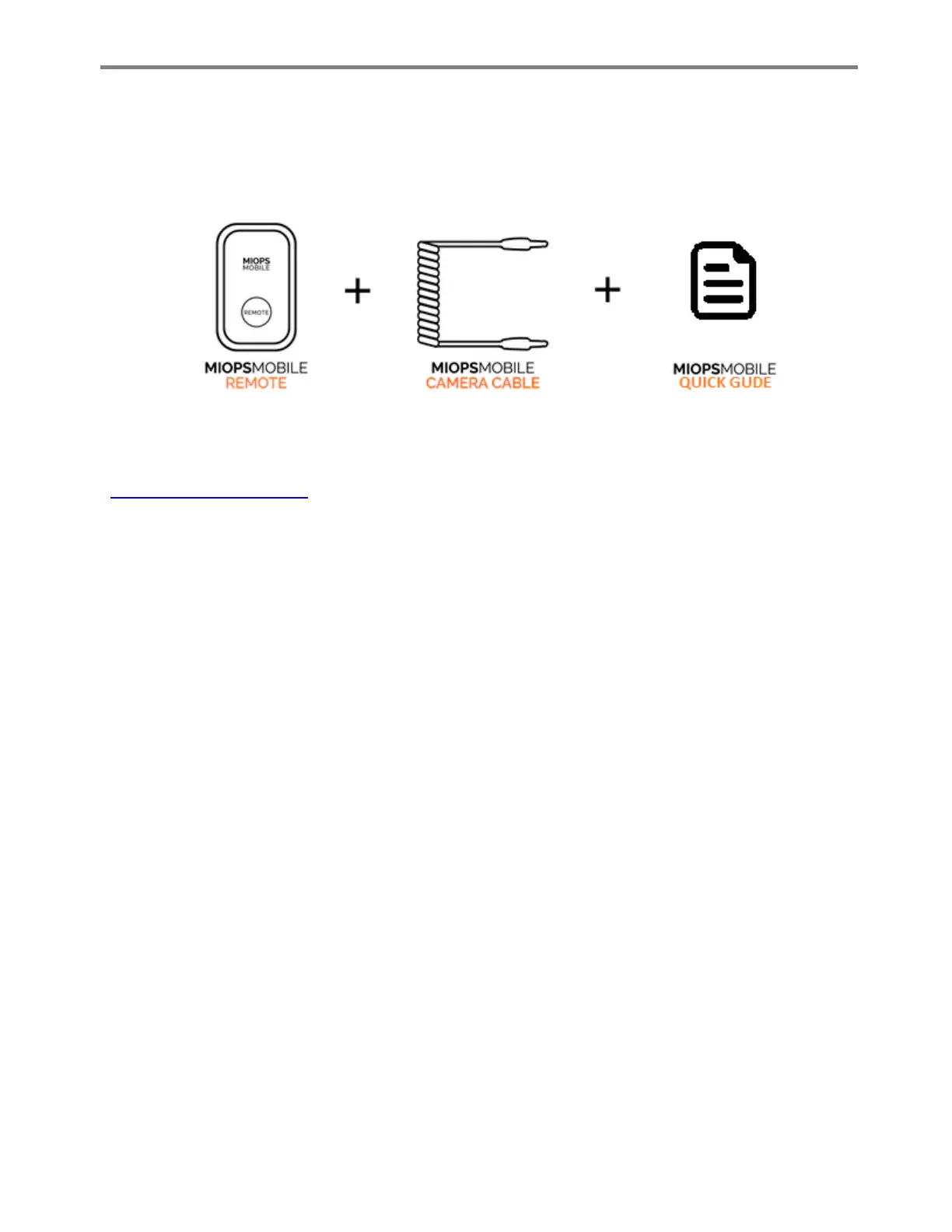
The MIOPS Mobile Remote will be delivered in a single box, with everything you would need. The
package will contain the following items:
If you are missing one of the items, please contact your point of purchase. The camera connection
cable will be of the type you have selected. For a list of supported cameras, you can visit
www.miops.com/cablelist
c. Before First Use
MIOPS Mobile Remote is powered with a Li-Polymer battery. It may not be fully charged before the
first use. You can charge it on any USB power source with the provided USB cable. Charge the
MIOPS Mobile for at least two hours before the first use.
MIOPS Mobile Remote has no user serviceable parts inside. If you think that there is a problem with
your unit, do not dissemble it. This will void your warranty. In such a case, contact your point of sale
to get customer assistance. The unit is not water proof. You need to protect the unit from liquids,
extreme heat and moisture. If you are not going to use it for a long time, make sure you charge the
battery to the fullest first. Keeping the battery at low charge for a long time can reduce the
performance of the battery. Store it in a dry place with no moisture.
MIOPS Mobile Remote has a built-in hot shoe. It is designed to be compatible with standard hot
shoes. The hot shoe is used for mounting purposes only. It has also a thread-in socket. You can use
that to mount MIOPS on a tripod.
MIOPS Mobile Remote uses the shutter release port of your camera. The connection cable must be
connected from MIOPS Mobile Remote to that port on your camera. If your camera does not have
one, it is not compatible with MIOPS Mobile Remote.



 To Next Page