MIOPS MOBILE Remote User Manual
Initial Exposure. With each frame, the exposure will be changed towards the final
exposure in a linear way. At the final frame, the picture will have the final exposure.
In order to be able to create the custom exposure, the camera must be in BULB
mode; otherwise all of the pictures will have the same exposure.
The exposure value can have an ascending or descending change. This depends on
the initial and final exposure values. The change of exposure will be the same
between each frame.
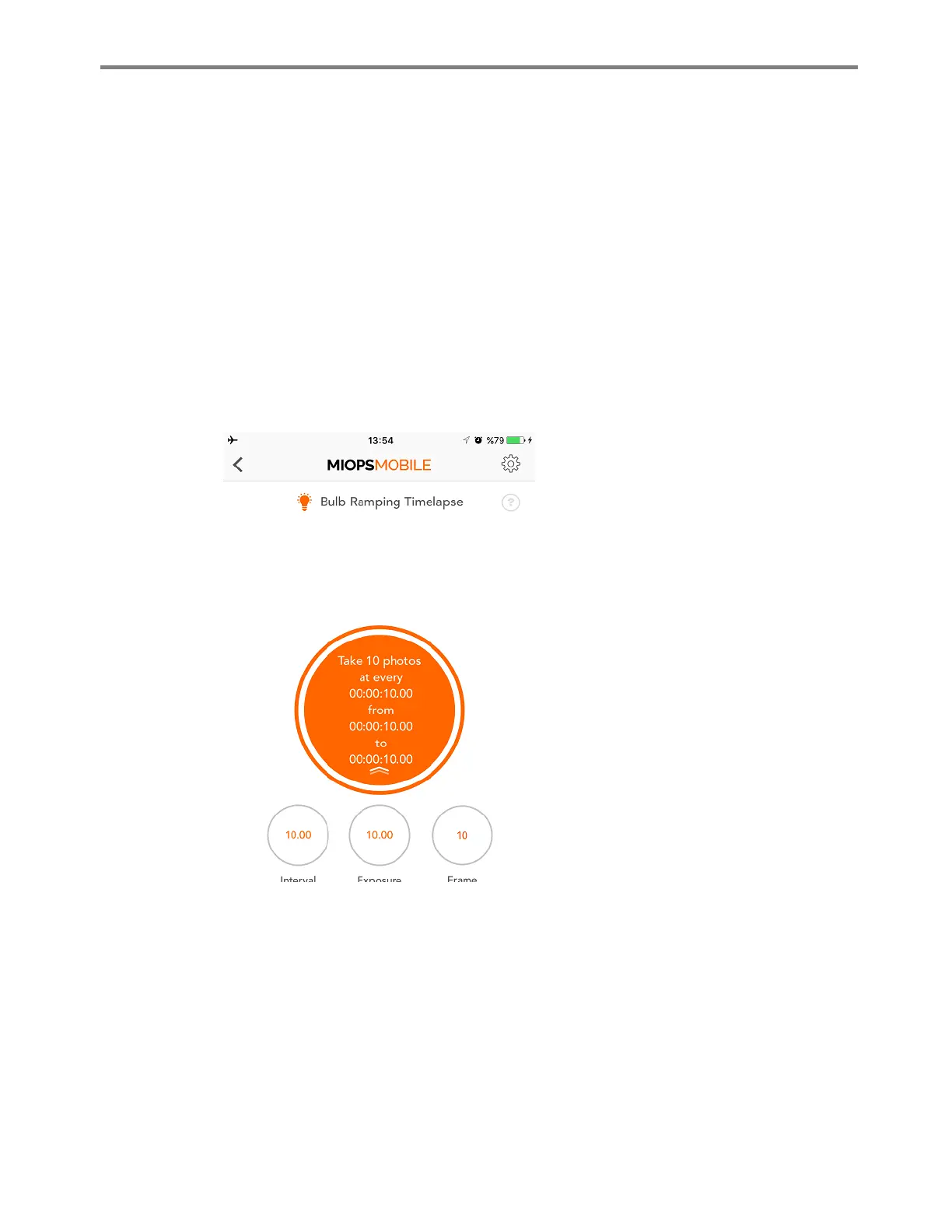
The Interval parameter defines how long to wait between each frame. Once a time
lapse picture has been taken, MIOPS will wait for the duration of the interval to take
the next picture. The process will continue until the set frame number is reached.
After you have set all parameters, you
can start the process by pulling the notch
on the button down and then touching
the orange button. After that you will see
three counters at the bottom of the
screen. The first counter will show the
interval time. It will reset after each
picture. The second counter will show the
exposure time. It will also show the
progress of the exposure. The third
counter will show the number of the
pictures already taken.
You can stop the process anytime, by
touching the orange button. If you stop
the process, it will be reset. You will need
to start over again either with the same
or different parameters.



 To Next Page