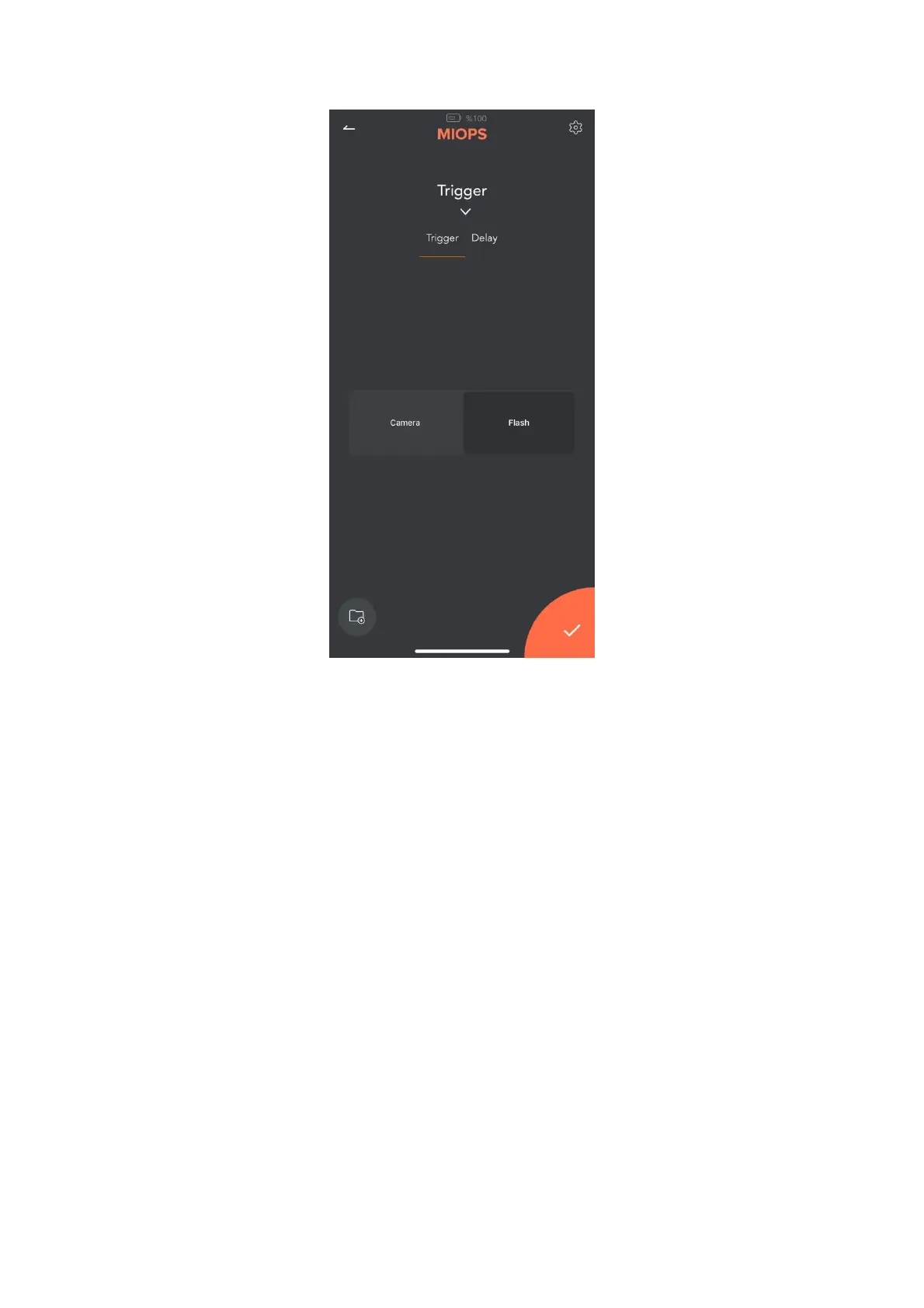
Camera Triggering: In this setup, you set the last parameter in the app to
Camera. Connect the camera cable between the Splash and the Camera. And
there is no connection between Splash and the Flash. With this
setup, Splash drips the drops and then triggers your camera through the
camera connection cable.
However, you may be challenged with the shutter lag of your camera in this
mode. If you would like to continue with triggering your camera, you can try to
use your camera at Mirror Lockup. It will decresae the camera's shutter lag
shutter lag. This will prevent the consistency issues and help to create more
consistent drops.
Flash Triggering: In this setup, you set the last parameter in the app to Flash.
Connect the sync cable between the Splash and the Flash. And you may or
may not connect your Splash to your Camera. The Camera is set to long
exposure (3-4 seconds) and it is used in a dark room. If you connect the camera
and the Splash together with a cable, Splash opens the shutter of the camera
first, then drips the drops and finally triggers the flash. Once the flash is
triggered, the camera catches only this moment, since the room is dark. If you
don't connect the camera and the Splash together, you should press
the shutter button manually before pressing the Start button on the app.



 To Next Page