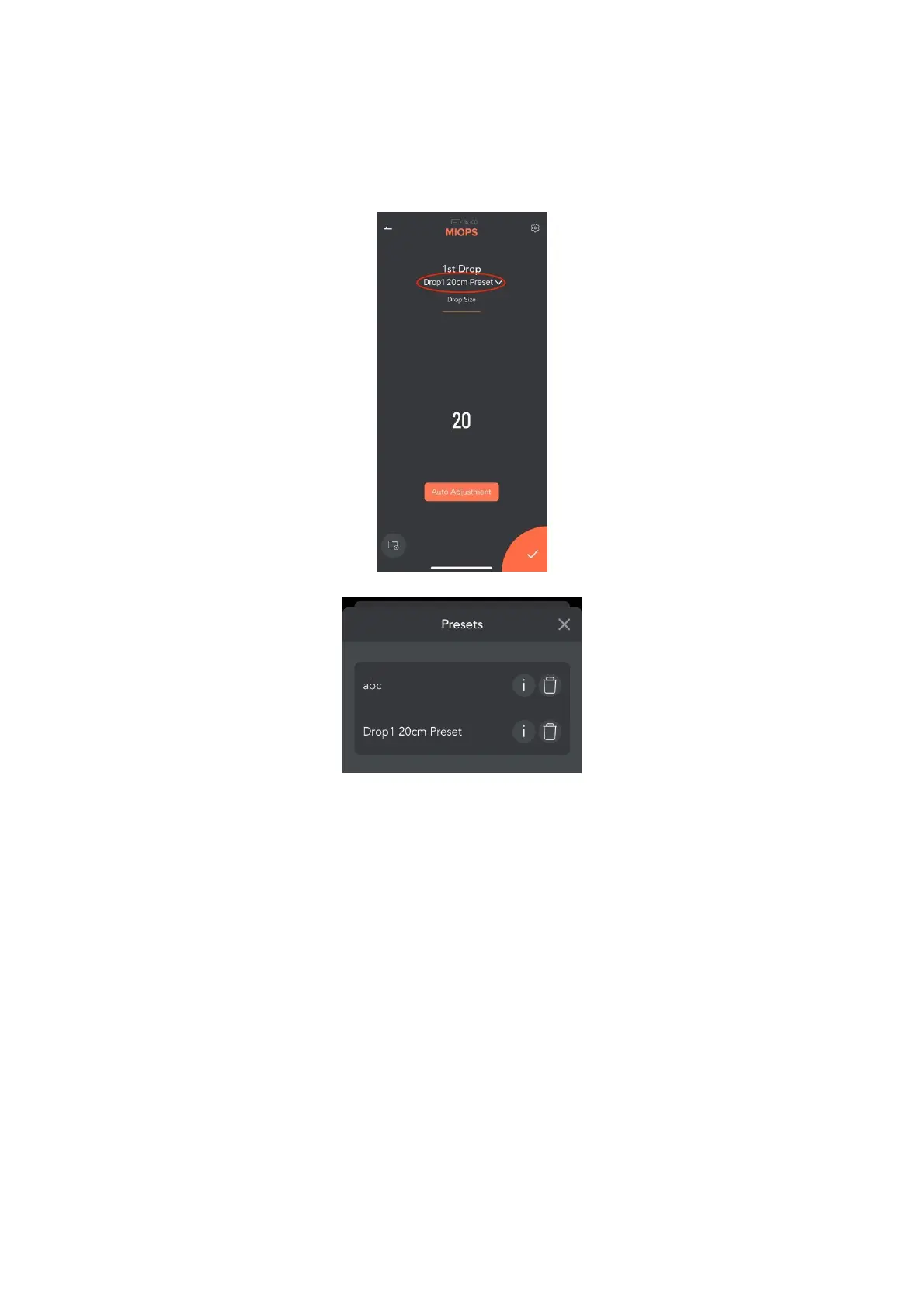
Once you click this icon, you will be asked for a Preset name. Just enter your
setup name and click Save. You can recall your Preset by touching the field in
the following screenshot.
9.2. 2nd Drop:
This screen is used to set the second drop if needed. It has two parameters.
Drop Size: This parameter is used to set the size of the drop. The unit is in
milliseconds. For example, if you set the drop size to 50, the valve will be open
for 50 milliseconds.
Delay: This parameter is used to define the delay between the second drop
and the first drop. The unit is in milliseconds. For example, if you set the delay
to 120, the second drop will be released 120 milliseconds later than the first
drop.
You can set the drop size to zero if you don't want to drip the second drop.
3
rd
and 4
th
Drop settings are same with 2
nd
Drop setting screen.



 To Next Page