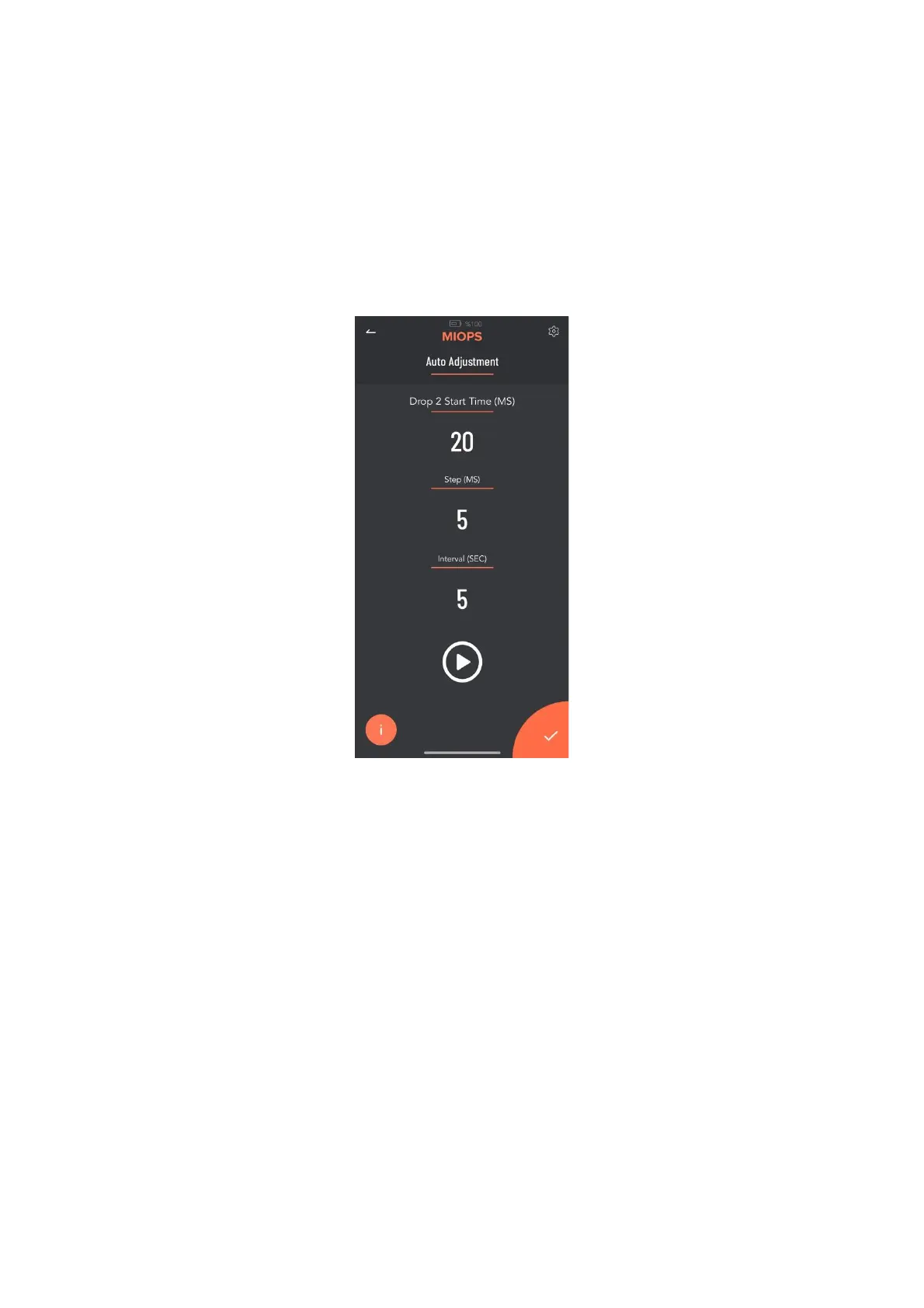
9.4. Auto Adjustment:
Auto Adjustment is just used for incrementing a parameter periodically to find
the best setting. You can use Auto Adjusment function to find proper Drop Size
and Delay parameters according to your setup. Once you entered Auto
Adjusment Mode, you will see the following screen.
Drop Start Time (MS): This is inital drop size value for Auto Adjustment
Step (MS): Drop Size increment value on each iteration
Interval (SEC): The interval value between each iteration
Once you entered these values and click the Play button on the screen, your
Miops Splash will start to create drops and increase the drop size using Step
value in each iteration. So you can these drops in your photos and wait until to
see the best drop. Once you got the best result, you can stop the Auto
Adjustment and use this drop setting.
The parameters and setting of them are similar for Delay parameter.
10. Example Setup:
You can find an example setup for 2 drop water collision below.



 To Next Page