6. Connecting to MIOPS Splash
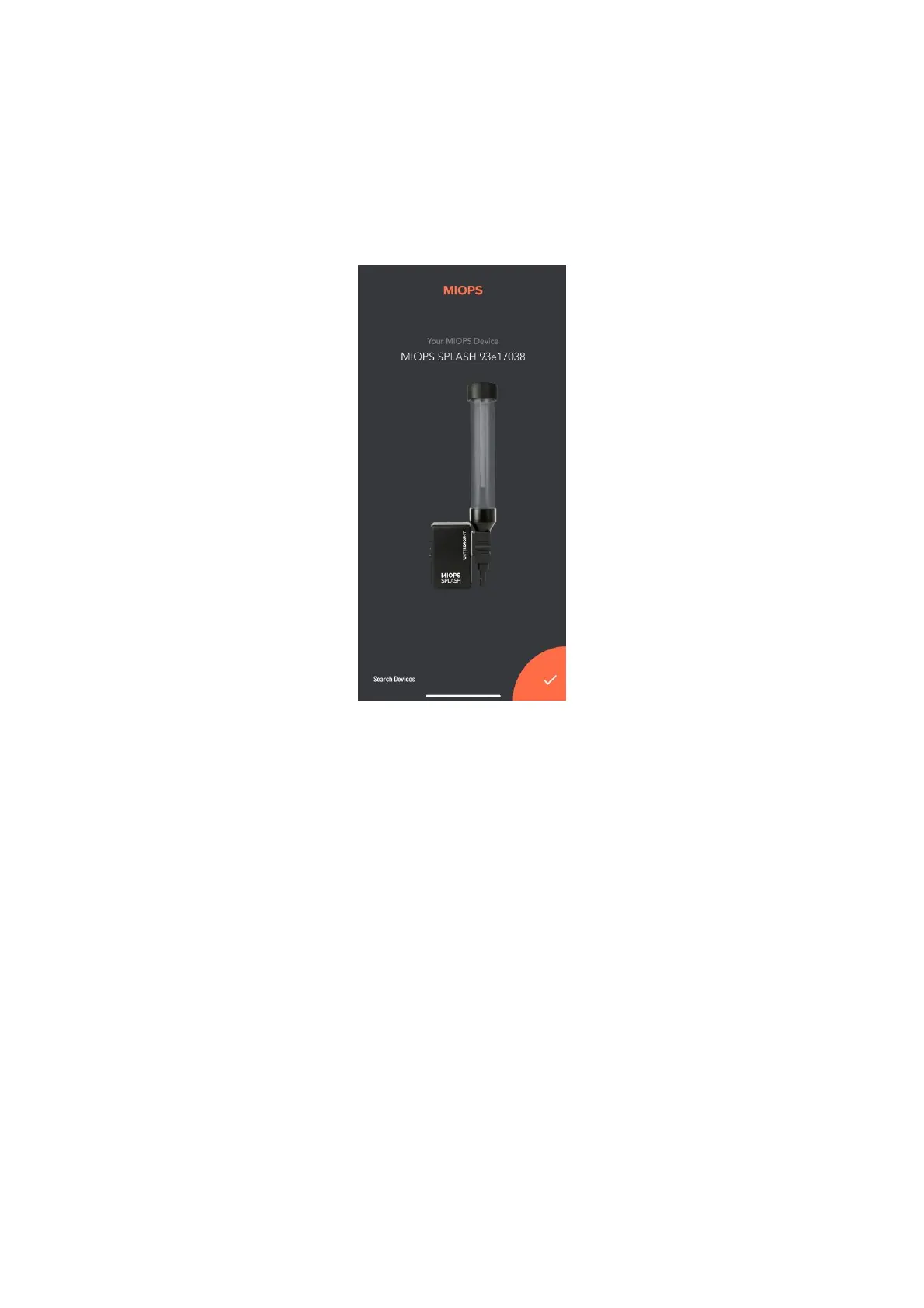
After opening the MIOPS Mobile app, it will search for available MIOPS
products. If you powered on your MIOPS Splash, you will see it on the app
screen as below.
Just touch the orange button at the right bottom corner to complete the
pairing. Once pairing is completed, MIOPS Splash setup screen will appear on
the screen.



 To Next Page