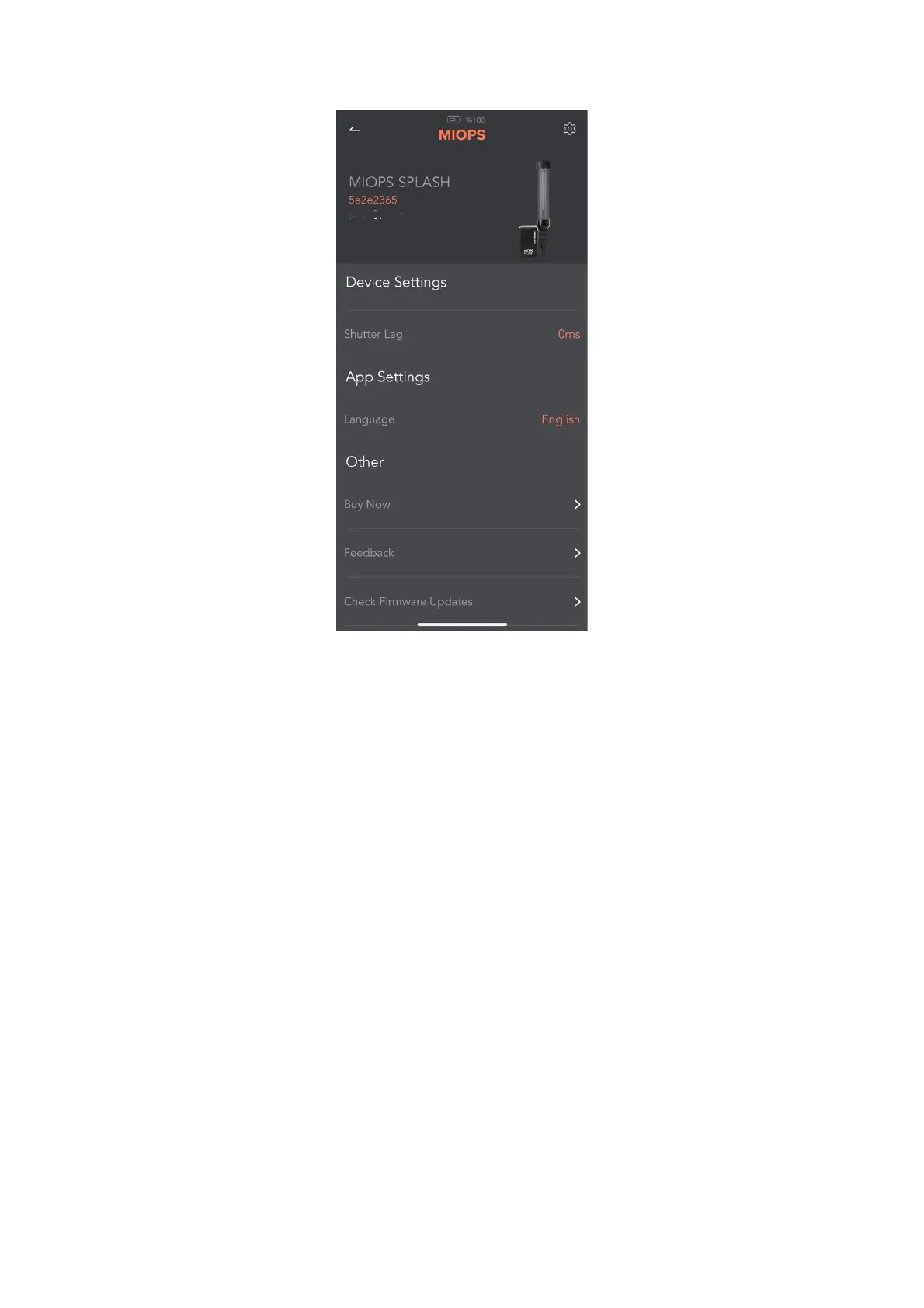
If your device has the latest firmware version, you will see a message on the
screen like “Your device is up to date”. If there is an available firmware version,
you can start the upgrade process using this screen.
8. Using the Mobile Application
The MIOPS Mobile app has a main screen to change the settings of your water
drop setup. You can see all of the parameters on this screen.
When you connect your MIOPS Splash through the MIOPS MOBILE app, your
device will stop blinking. This shows that you connected your device
successfully.
9. Adjusting Parameters
The following screen is used to set parameters for your water drop
photography setup.



 To Next Page