5. Usage
MiRCharge48V Operating guide (en) 11/2019 - v.1.3 ©Copyright 2019: Mobile Industrial Robots A/S. 24
presents how an If action may be used to control when the robot should recharge relative to
its remaining power level.
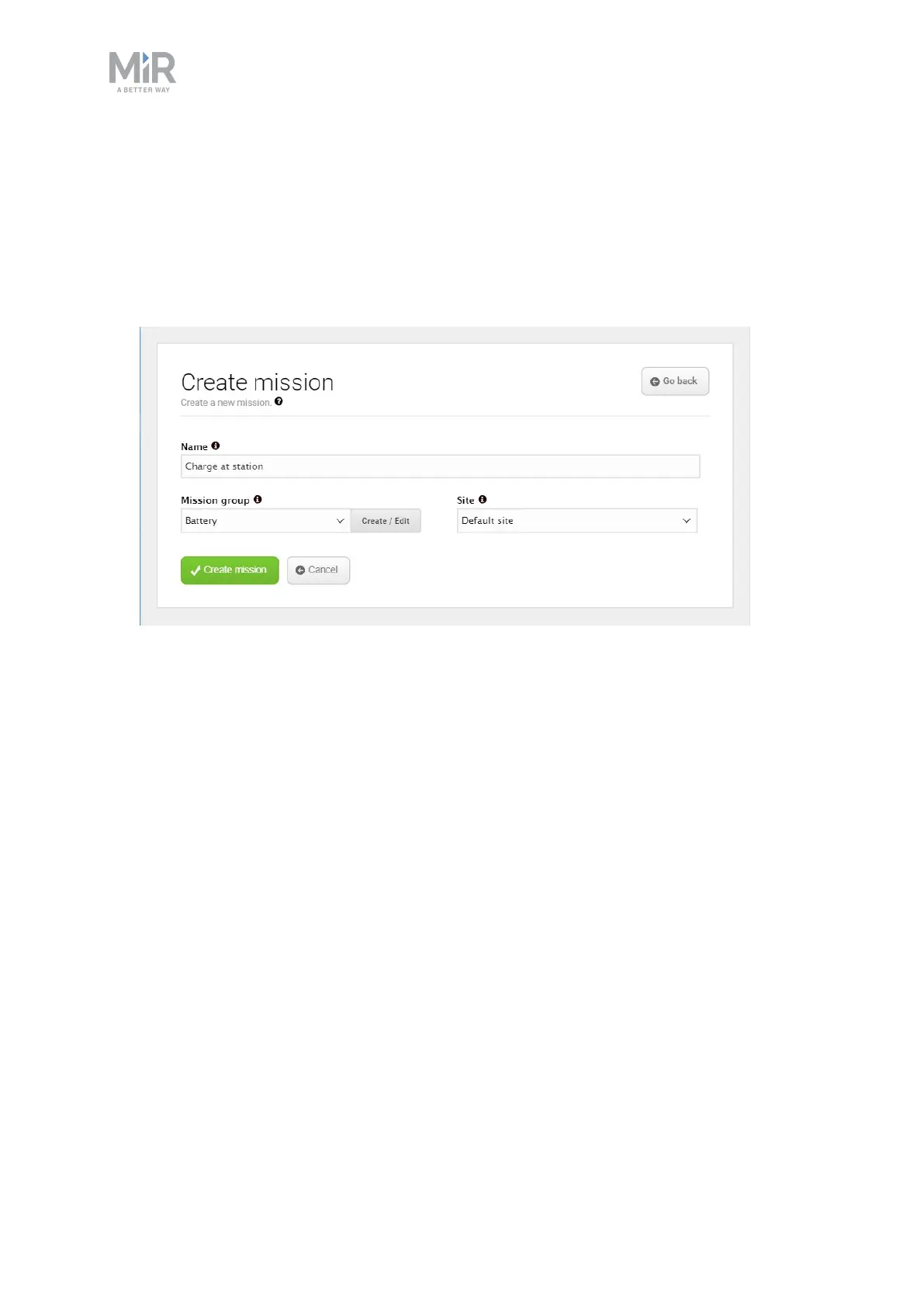
Create a simple charging mission
1. In the robot interface, create a new mission. This is done by navigating to Setup > Mis-
sions and selecting Create mission. Name the mission, select the correct site and select
Create mission.


 To Next Page