Connect the red, positive (+) terminal of the Left loudspeaker to the corresponding
red, positive (+) amplifier terminal. Connect the black, negative (-) terminals
similarly. Repeat for the Right Channel.
Conventional
Loudspeaker
Connections
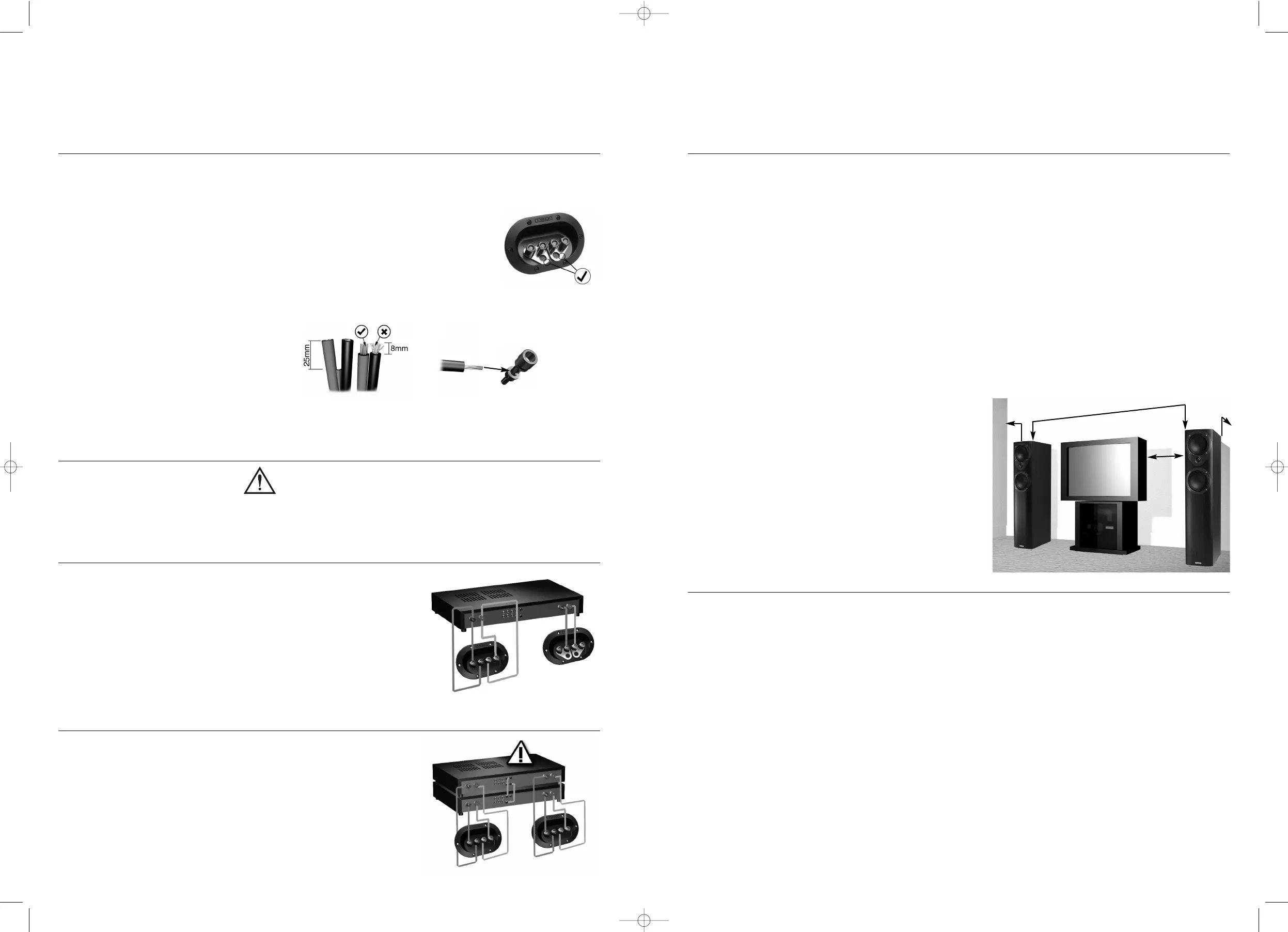
Loudspeaker cable is polarity coded along one edge. Split the cable to a depth of
about 25mm (1”) and strip 8mm (1/3”) of insulation from each wire. If the cable is
stranded, twist the strands together.
Terminal Panels
Your loudspeakers use two or four terminals. When single
wiring speakers use the connecting links as shown opposite.
Unscrew each terminal. Thread the bare end of the cable through the cross-hole
ensuring there are no loose strands. Tighten securely.
Connecting your
Loudspeakers
Most models in the Mission m3i series
can be bi-wired for improved
performance. Remove both pairs of
shorting links and connect a cable to
each pair of terminals, running them to a
common connection at the amplifier
output terminals. In the figure to the right,
the terminal panel on the left is bi-wired;
the panel on the right is conventionally
wired. Note the shorting links.
Bi-Wiring
By using separate amplifiers for LF and HF
drive units you can further improve
performance. This is known as bi-amping.
The illustration opposite shows one
channel of a bi-amped system. Note
that the amplifier inputs are linked.
Bi-Amping
Positioning your
Loudspeakers
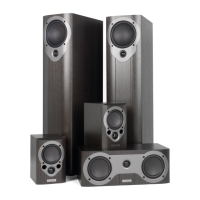
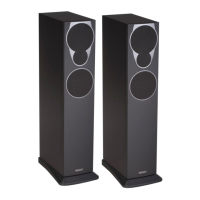
Mission m33i, m34i and m35i loudspeakers should be placed on the floor (ideally
on spikes). Mission m31i and m32i should be mounted on rigid stands, such as
Mission 'Stancette', ideally spike coupled to the floor. Mission m30i are designed
for shelf or wall mounting, using Mission’s wall bracket (not supplied).
Height is important: a stand should place the top of a speaker at ear level to a
seated listener. Shelf or bracket mounting is second best.
The distance from the rear wall can profoundly affect loudspeakers' sonic
performance. If your speakers are too close to the wall the bass will boom and
sound coloured. Moving them into the room may increase clarity but tends to
reduce bass output. When positioned correctly, the high frequency response is
smooth with well-defined, powerful bass.
Start with the speakers about 300mm (12”) from the wall and 1.8 metres (6’) apart. The
distance from each loudspeaker to the side wall should be at least 500mm (20”). Vary
the distance between the two loudspeakers and the distance from the wall until you
get a perfect stereo stage.
A few minutes optimising
your listening position will
be rewarded with a
soundstage limited only
by the quality of your
equipment.
If your loudspeakers are
wired correctly, the sound
should be full with clean
treble and a deep, rich
bass.
1.5m - 2.5m
0.2m
0.2m min
0.5m min
4
The Mission m3ci has been designed to reproduce dialogue in a Home Cinema
installation. It is magnetically shielded and may be placed close to a TV set without
causing interference. Your Centre loudspeaker will normally be sited on top of the
TV monitor, or on a shelf in a console below the TV set.
If you are placing the loudspeaker on top of the TV monitor, ensure that the
monitor cabinet can stand the weight and that the assembly is stable.
Some manufacturers forbid the placing of objects on top of their TV sets. Check
your TV handbook before installing the m3i series Centre speaker directly on your
TV set. Consult your TV dealer if you are in any doubt.
Attaching
the
Feet
Peel off the backing paper. Firmly attach each foot about 25mm (1”) in from the
corner of the base of the loudspeaker cabinet.
Connections
and
Phasing
Your Centre Channel loudspeaker must be connected to the Centre loudspeaker
terminals of your AV amplifier or receiver. Follow the instructions in the previous
sections for connections.
The Mission m3ci
Centre Channel
Speaker
5
Warning
When an amplifier is driven beyond its power output capabilities it will
produce distorted results which will quickly damage your speakers by overheating.
Make sure that your amplifier is not left unattended when playing, for example at
parties, and turn the volume control down at the first sign of audible distortion.
Power Handling



 To Next Page
 Loading...