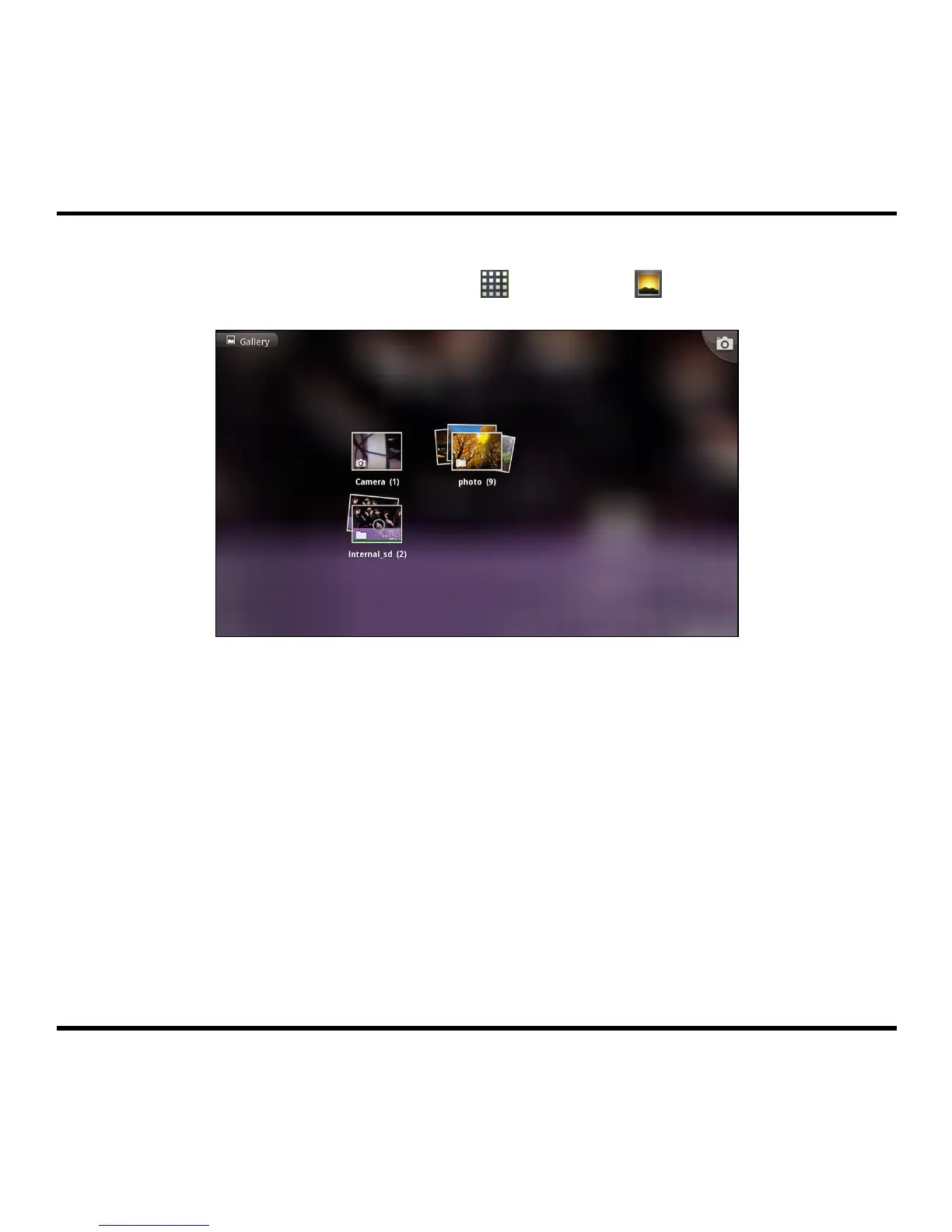
Gallery
From the Home screen, tap the Launcher icon (
) Æ Gallery (
) to launch Gallery.
After launching Gallery, follow the step to view the photos:
1. Select an album.
2. Tap a thumbnail to view the picture in full screen.
3. Use the onscreen controls to work with the displayed picture, including zooming in/out,
playing slideshow, editing the picture, and more.
15



 To Next Page