Music
From the Home screen, tap the Launcher icon (
) Æ Music (
) to launch Music.
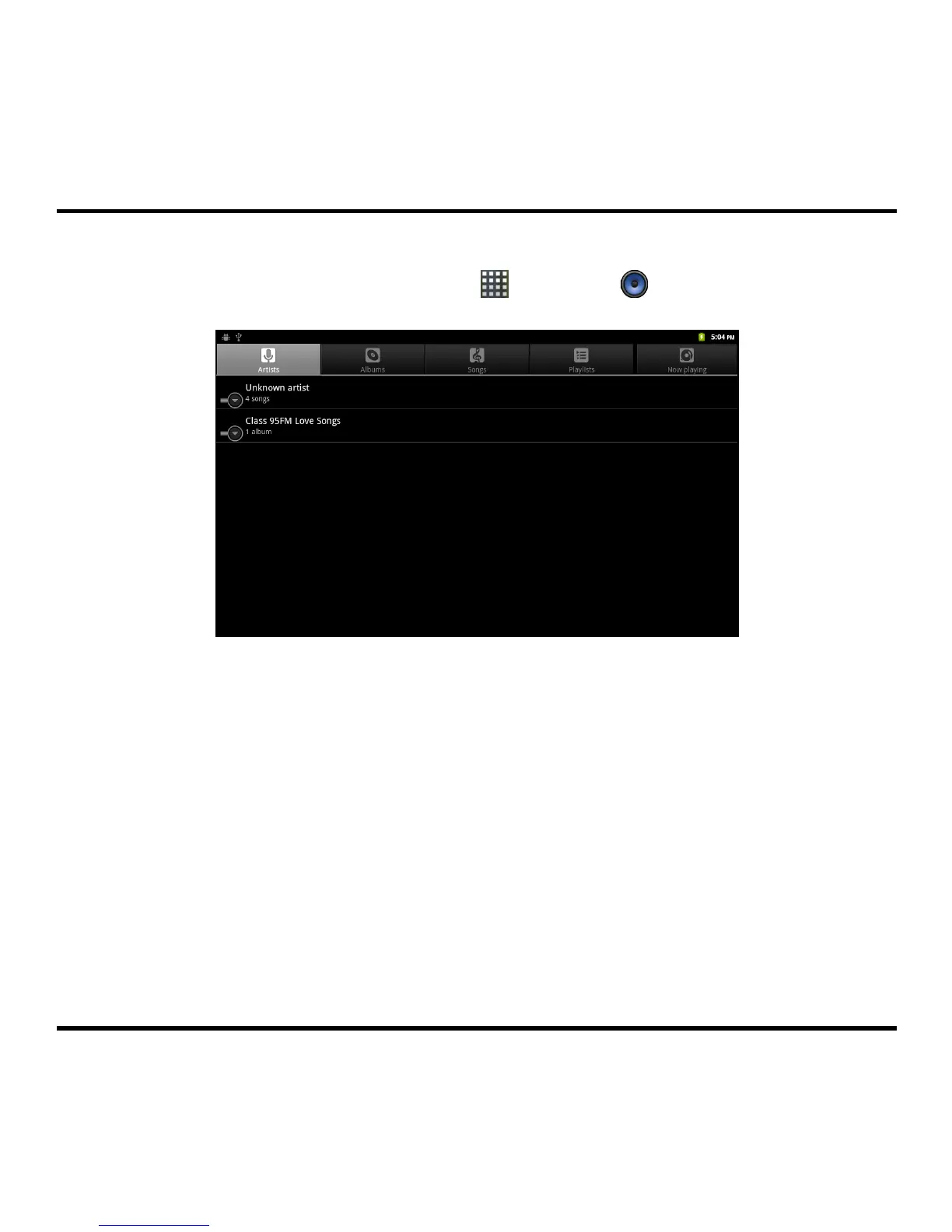
From the Music screen, select one of the following and then select a song to start playing:
Artists: Display your current local music files sorted by artist.
Albums: Display your current local music files sorted by album.
Songs: Display all of the music files stored on the memory card and sorted by file name.
Playlists: Display the customised playlist you have created to organise your music.
Now playing: Display the Now Playing screen.
16



 To Next Page