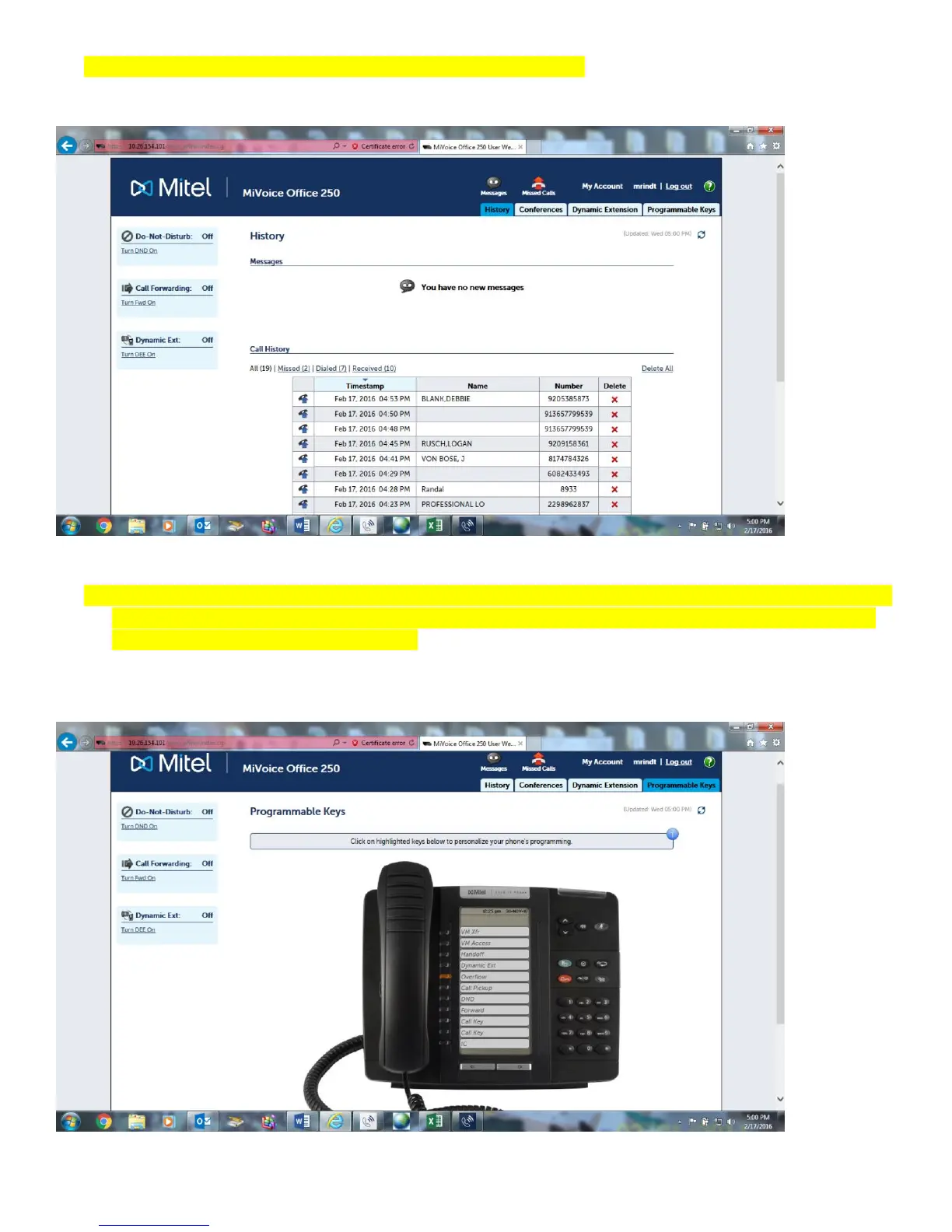
4. Once logged in, you can review your call History on the main page.
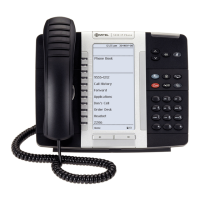
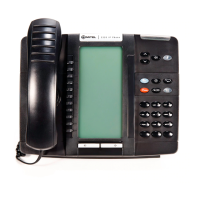
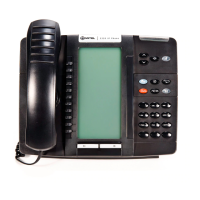
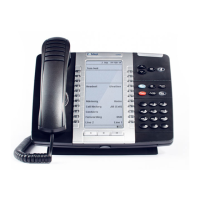
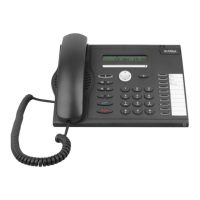
5. Click on the Programmable Keys tab to program phone buttons. If the phone button is highlighted with a dark
blue line, you are able to program that button to fit your needs. If it is gray, the button can only be changed
by the system programming administrator.



 To Next Page