to Exit
X
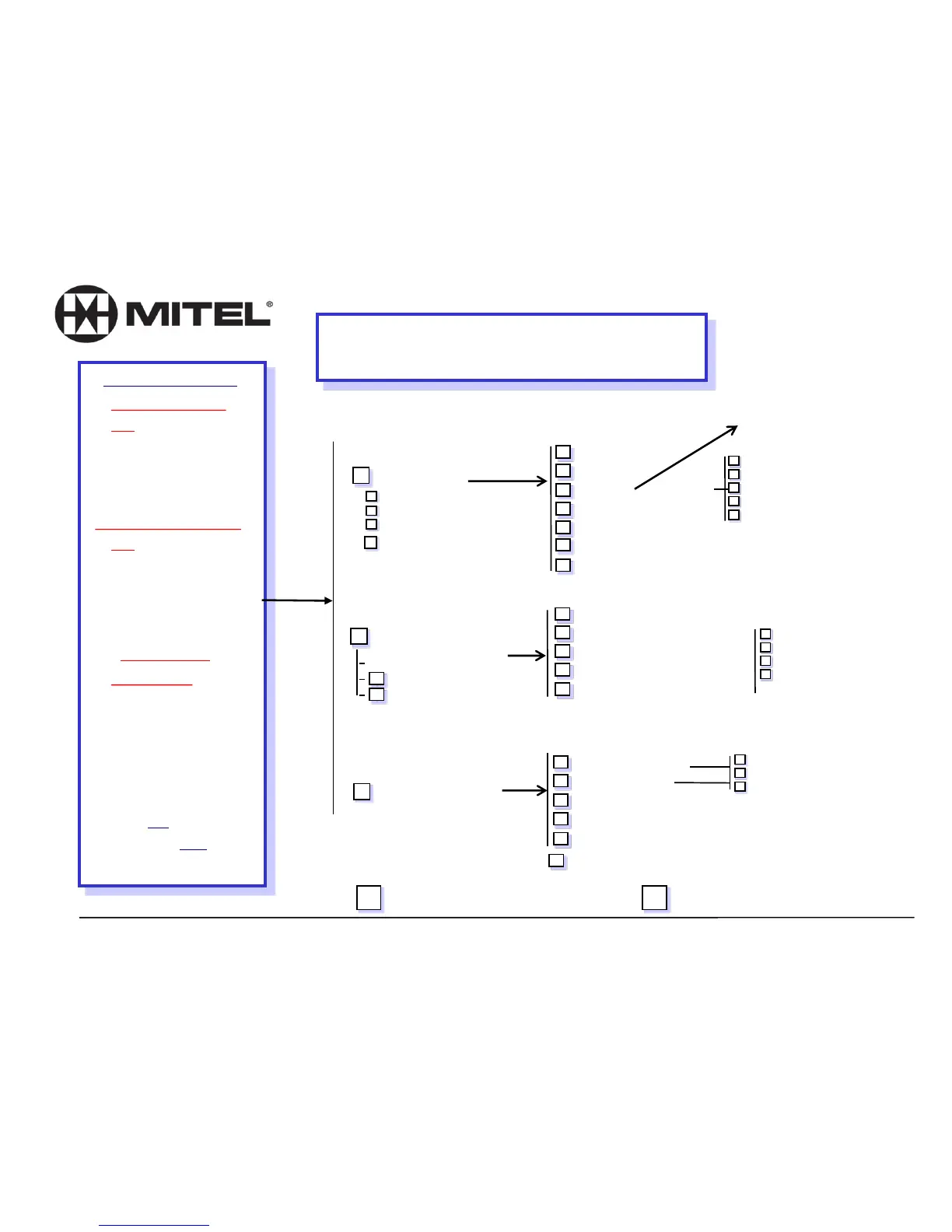
Accessing Voice Mail
From any other Phone:
From Your Phone:
:
Dial 2500 or press VoiceMail key
Enter: * plus your own
Mailbox Number
followed by another *
Passcode: ______________
Dial 2500 or press VoiceMail key
Passcode: 1111 (default) or the
passcode you created
Dial 1-209-472--2240
At the start of the Co. greeting . . .
• Press **
•Enter your Mailbox number
•Press * .
• Enter your Passcode
.
IF YOU HAVE A DID NUMBER:
Dial your own DID,
At the start of your greeting…. .
Press * (tells system owner is calling) .
Enter your Passcode:____________ .
for an Operator
0
User Options (8)
for User Options
U
(4)to change Greeting
G
N
P
L
T
(6)to change Name
(7)to change Passcode
(5)for Distribution Lists (01 - 09)
(8)to repeat Tutorial (reset mbx passcode, greeting, and passcode)
L
R
X
(5)to Listen to Greeting/Name
(7)to Record Greeting/Name
(9)to eXit to Previous Menu
Make Message (6)
to Make (record) Msg
Enter Mailbox Number(s),
M
(2)to make Confidential
C
R
U
F
(7)to Request Receipt
(8)to mark Urgent
(3)to mark for Future delivery
Press (9)X to eXit and return
to previous menu options.
R
D
A
M
X
(7) to Review
(3) to Discard and Re-Record
(2) to Append
(6) for Message Addressing Options
(9) to Send and eXit to Main Menu
when finished entering mailboxes
When finished recording
message.
(7) to Play again
to Review
Rewind in 5 second increments
P
#
1
Pause in 30 second increments
Fast Forward in 5 second increments
To skip to Top of next message
Play Messages (7)
to Play
*
R
P
A
G
K
D
M
X
(2) to Answer
(4)to Give to another user
(5) to Keep
(3) to Discard
(6) to Make a new message
(9) to eXit message review
D
A
M
X
to Discard and Re-Record
to Append
for Message Addressing Options
to Send and Exit
X
(9)to eXit to Main Menu
#
*
#
8
Voice Mail User’s Menu Flow Chart
From Outside
Enter destination mailbox,
& record introduction …
Message Addressing Options:
- OR - Pick up handset and
press your blinking Message
Waiting button (envelope)















 To Next Page