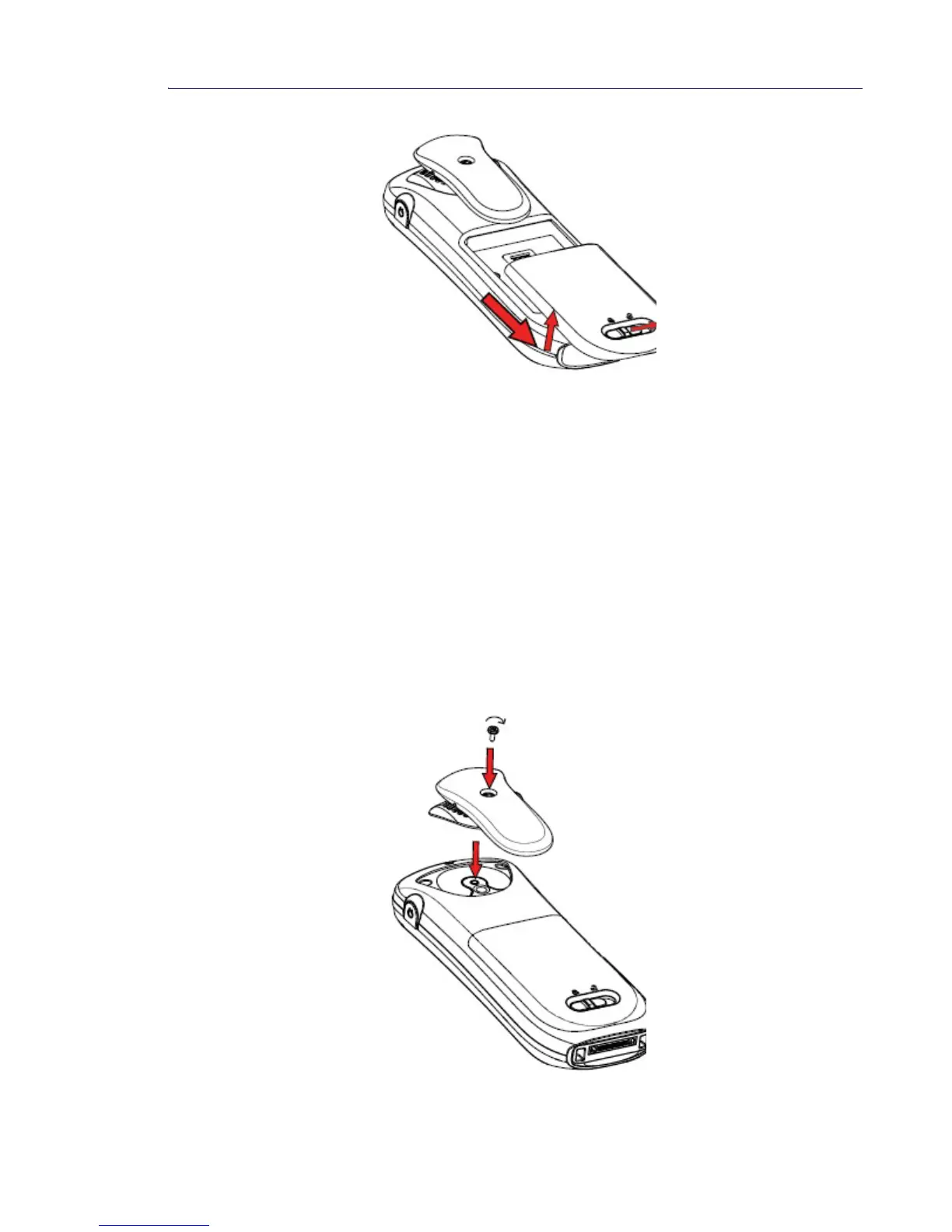
Figure 11: Easy Replaceable Battery - Unlock the Lid and Remove the Battery
Clip
It is possible to use the handset without any attached clip. See “Attach a Cover without a Clip”
on page 82.
Belt clips cannot be used if the handset will be placed in a case. The leather casing is especially
designed for the handset. The casing comes with a swivel-type belt clip, and the handset is
fully operational while placed in the casing.
Attach the Hinge-type Clip
Attach the hinge-type belt clip as shown in the illustration below.
Figure 12: Screw the Hinge-type Clip into Position



 To Next Page