MITEL 6730 ANALOG PHONE - OPERATION GUIDE
AMT/PUD/TR/0107/1/6/EN 06/2015 11
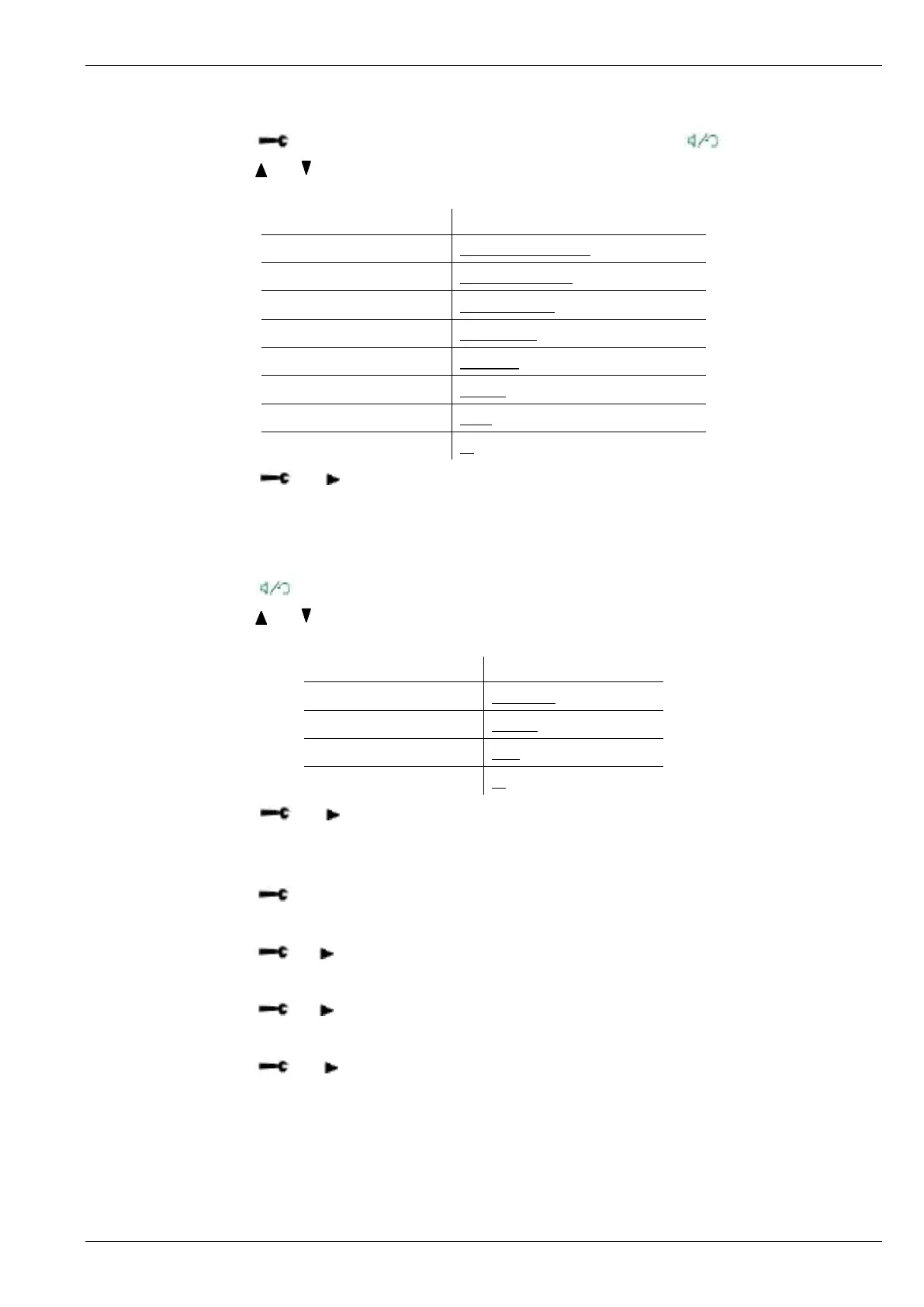
8.5 SET HANDFREE VOLUME
1. Press [ ] > PHONE SETTING > SET HANDFREE VOL or Press [ ] to activate hansfree.
2. Press [ ] or [ ] to adjust the volume on handfree loudspeaker.
Level 8 (Max.)
▂ ▂ ▄ ▄ ▆ ▆ ▆ ▆
Level 7
▂ ▂ ▄ ▄ ▆ ▆ ▆
Level 6
▂ ▂ ▄ ▄ ▆ ▆
Level 5
▂ ▂ ▄ ▄ ▆
Level 4
▂ ▂ ▄ ▄
Level 3
▂ ▂ ▄
Level 2
▂ ▂
Level 1 (Min.)
▂
3. Press [ ] or [ ] to confirm.
8.6 SET HEADSET VOLUME
1. Plug in the headset.
2. Press [ ].
3. Press [ ] or [ ] to adjust the volume on the handset.
Level 4 (max)
▂ ▄ ▆ ▆
Level 3
▂ ▄ ▆
Level 2
▂ ▄
Level 1 (min)
▂
4. Press [ ] or [ ] to confirm.
8.7 SET PASSWORD
1. Press [ ] > PHONE SETTING > SET PASSWORD.
2. Press numberic keys to input the OLD password (default – ‘0000’).
3. Press [ ] or[ ] to confirm the OLD password.
4. Press numberic keys to input the NEW password.
5. Press [ ] or[ ] to confirm the NEW password.
6. Enter the NEW password again for reconfirmation.
7. Press [ ] or [ ] to complete the setting.



 To Next Page