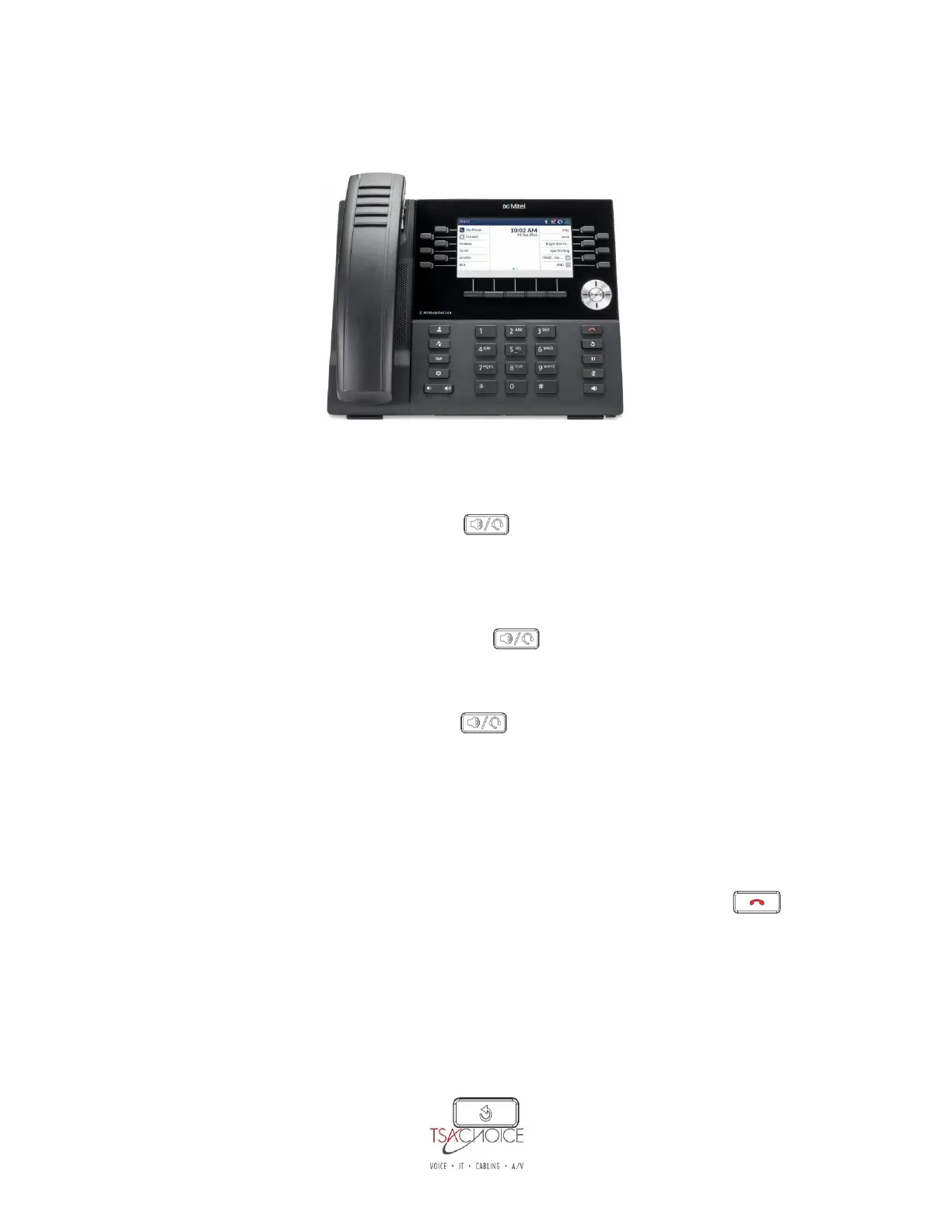
Mitel 6930 IP Telephone
Making and Answering Calls:
Making an External Call:
1. Lift the handset or press speaker key
2. Dial 9
3. Enter the number you wish to call.
Making an Internal Call:
1. Lift the handset or press the speaker key
2. Dial the Extension you wish to call.
To Answer an Incoming Call:
1. Lift the handset or press the speaker key if you want to answer hands free. You can
make the call private at any time by simply picking up your handset.
Forward an Incoming call to your Voicemail:
1. While your phone is ringing press the FORWARD CALL softkey. This will forward your call to your
voicemail box.
Ending a Call:
1. Place the handset on the cradle, press the END CALL softkey, or press the key.
Multi Calls:
1. Locate the Multi Call on your Display Screen
2. Lift the Handset or Press the Speaker Key
3. Press the applicable MC Key
4. Begin speaking.
Redial:



 To Next Page