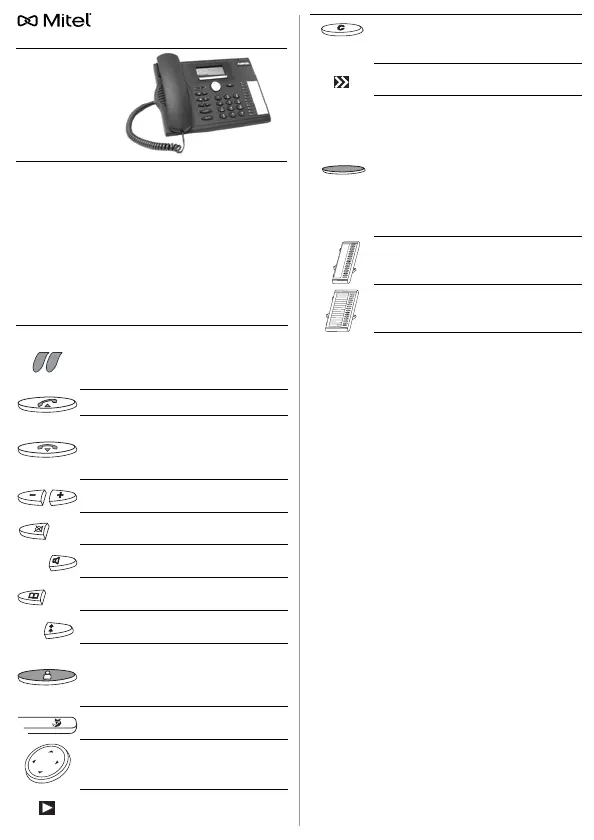
MiVoice 5370 / 5370 IP
To find out which system you are connected to,
press
M
ENU
>
S
ETTINGS
>
G
ENERAL
>
O
WN
ID
.
Name, call number and communication system
are displayed.
Dialling by Name
Dials a name from all the names stored in the
telephone system.
On MiVoice Office 400 systems (Quickdial)
2
:
1.Press each of the corresponding keys once for
the first few letters of the name you are looking
for. Separate the first name and the surname
with the #-key, e.g."no s" (6 6 # 7) for Nobel Ste-
phen.
2.Press the phone book key and select the user
you want.
3.Press the call key to dial stored numbers.
On MiVoice 5000 systems
3
:
1.Press the Phone book key, select the phone
book you want and enter the first few letters
using the digit keys (e.g.press twice on 6 to en-
ter N; once on 2 for A...).
2. Select
C
ONSULT
, then
N
EXT
until the corre-
sponding selection appears.
3. Select
C
ALL
.
To access any available external phone books
1
:
Press the phone book key, select
A
DVANCED
S
EARCH
and enter the first few letters of the
name you want until the corresponding selec-
tion appears.
English
1 The implementation and availability of func-
tions, features and products depend on the
system connected.
2 supported by MiVoice Office 400 systems
3 supported by MiVoice 5000 systems
Indicator LED:
• Left LED flashes: Incoming call.
• Right LED is lit: Voice mail, mes-
sage, or callback
2
.
Call key: Sets up or answers a call.
End key:
• Ends a call.
• Ends the input without saving.
• In the menu: back to idle state.
Volume/cursor keys: Sets the ringing
and handset volume.
Microphone key: Hands-free or hand-
set microphone on/off.
Loudspeaker key: Hands-free opera-
tion/open listening mode on/off.
Phone book key: Opens available
phone books.
Redial key: Phone number(s) last di-
alled.
Presence key with LED. Preconfigura-
tion depending on system
1
. Can also
be configured as number key/func-
tion key.
Foxkey: Executes displayed function
using the key.
Navigation key: Scrolls forwards/
backwards in the menu, navigates
lists.
More information available using the
right navigation key (display symbol).
Correction key: Delete the last char-
acter or go back one step in the
menu.
More Foxkeys available (display sym-
bol).
Configurable keys with LED incl.
MiVoice M530/M535
2
expansion key
module.
Dials the stored phone numbers or
activates the stored function: press
once or twice in quick succession
1
.
Stores call number or function:
• Press and hold down
2
.
• Press
M
ENU
>
S
ETTINGS
>
K
EYS
3
.
MiVoice M530 expansion key module
(optional): 20 configurable keys with
LED.
MiVoice M535
2
expansion key mod-
ule (optional): 3 x 15 configurable
keys with LED.












 To Next Page