2
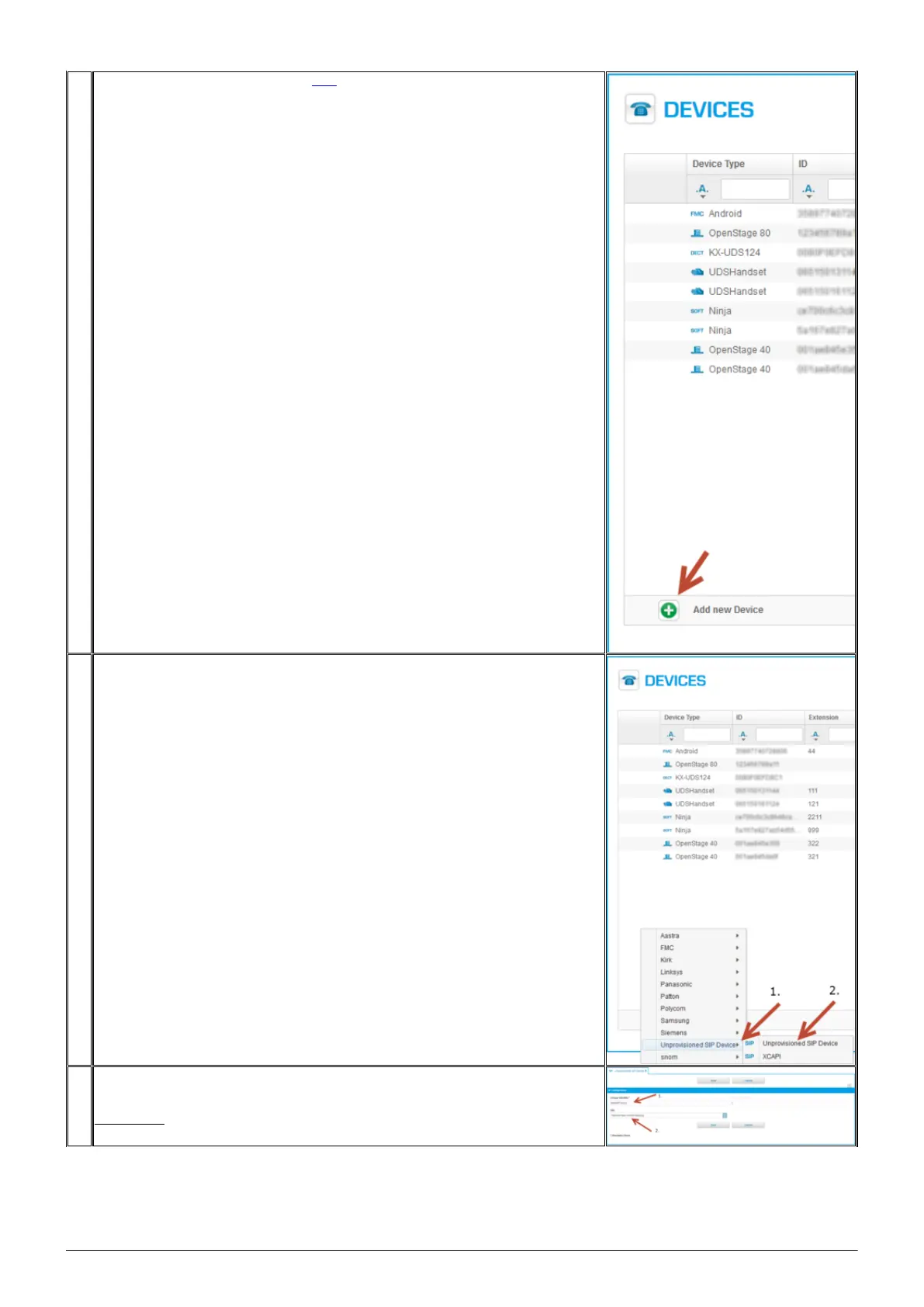
2. Add a new device, detailed description here.
3. [1.] Select Unprovisioned Device.
[2.] Select SIP Unprovisioned Device.
4. A new window appears, [1.] please enter the MAC address of your Mitel UC360 device (can
be found on the back side of the device!). Enter the MAC address without
" - " signs.
Please note: [2.] Enter the Site address, too!! This is the location where the device is
placed! It is necessary for EMERGENCY CALLS!





 To Next Page