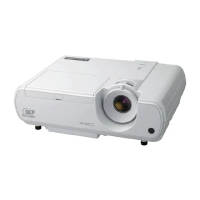
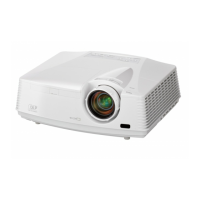
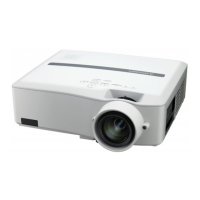
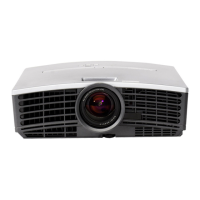
EN-7
Overview
VIDEO IN and S-VIDEO IN terminals
COMPONENT VIDEO IN terminals
COMPUTER IN/COMPONENT VIDEO IN terminal (Mini
D-SUB 15-pin)
HDMI IN-1 terminal (HDMI 19-pin)
HDMI IN-2 terminal (HDMI 19-pin)
SERIAL terminal (D-SUB 9-pin)
Used for projector control by computer. Contact your
dealer for details.
TRIGGER terminal
Used for the optional electric screen.
Power jack
1
2
3
4
5
6
•
7
•
8
STATUS indicator
POWER indicator
POWER button
HDMI/COMPUTER/W button
AUTO POSITION/S button
LENS SHIFT button
MENU button
ENTER button
T button
ZOOM/FOCUS button
VIDEO/X button
Important:
While the menu or the screen for password entry is being
displayed, the HDMI/COMPUTER, VIDEO, and AUTO
POSITION buttons function as the W, X, and S buttons
respectively.
1
2
3
4
5
6
7
8
9
10
11
•
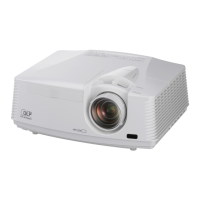
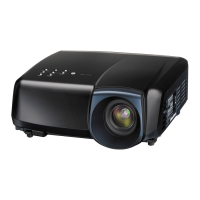
Control area
Remote control sensor (Front)
Foot adjustment buttons (Left/Right)
Air inlet grille
Terminal board
Kensington Security Lock Standard connector
Remote control sensor (Rear)
Air outlet grille
1
2
3
4
5
6
7
8
Terminal panel
Control area
Preparing your projector (continued)
1
2
6
5
3 3
87
4
8
12 3 4
5 6
978 10 11
HDMI IN-2HDMI IN-1
SERIAL
TRIGGER
COMPUTER IN/
COMPONENT
VIDEO IN
VIDEO IN
S-VIDEO
IN
PR/
CR
PB/
CB
COMPONENT
VIDEO IN
AC IN
1 2 3 5 6 7
8
4


 To Next Page
 Loading...