11
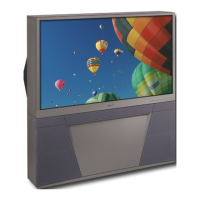
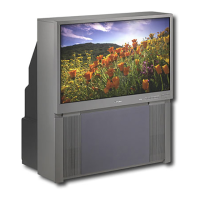
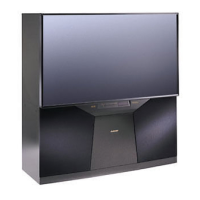
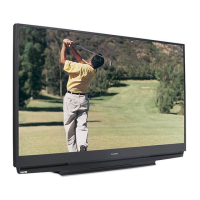
Front Control Panel
Many remote control buttons are duplicated on the front control panel. Duplicate buttons are shaded in the
panels shown below. Please see Remote Control Functions, page , for an explanation of their usage.
The ADJUST, ENTER, MENU, and CANCEL buttons may be used to access or navigate through the screen menus
Timer
During normal operation, the timer light glows green
when the TV is on. It does not glow when the TV is
off. When the timer is used to turn the TV on at a
specific time, the green timer light blinks while the
TV is off. See Timer Menu, page for timer setup
instructions.
A/V Reset
Press this button to reset all A/V memory inputs to
the factory default settings. See Audio/Video Settings
Menu, page for instructions.
Input-3
This input can be used for convenient connection of a
camcorder or other video device to the TV. You may
connect to the S-VIDEO or VIDEO terminal but not
to both.
Format
Press this button to change the size and shape of the
main TV picture.


 To Next Page
 Loading...