71
Follow the steps below to install and remove the
Diamond Shield.
INSTALLATION
A. Begin by inserting the shield, sliding it into the
channels, starting at the bottom. Gently bow the
Diamond Shield toward you and insert the
Diamond Shield into the top channel.
B. Install the left and right molding clips by pressing
them into the opening starting at a corner. Do not
force the clip. The clip will slide into place. This
completes the Diamond Shield installation.
REMOVAL
To remove the Diamond Shield, reverse the order of
the above procedure.
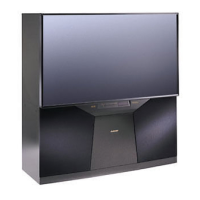
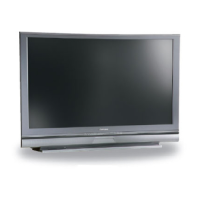
Appendix E: Diamond Shield™ Installation and Removal for
Models WS-, WS- and WS-
Diamond Shield Installation
Molding Clips
The Diamond Shield for the WT- is not
designed to be removed by the customer.
WARNING
Sharp edges! Always wear gloves to handle, lift
and install Diamond Shield and molding clips.


 To Next Page
 Loading...