User’s Guide
21
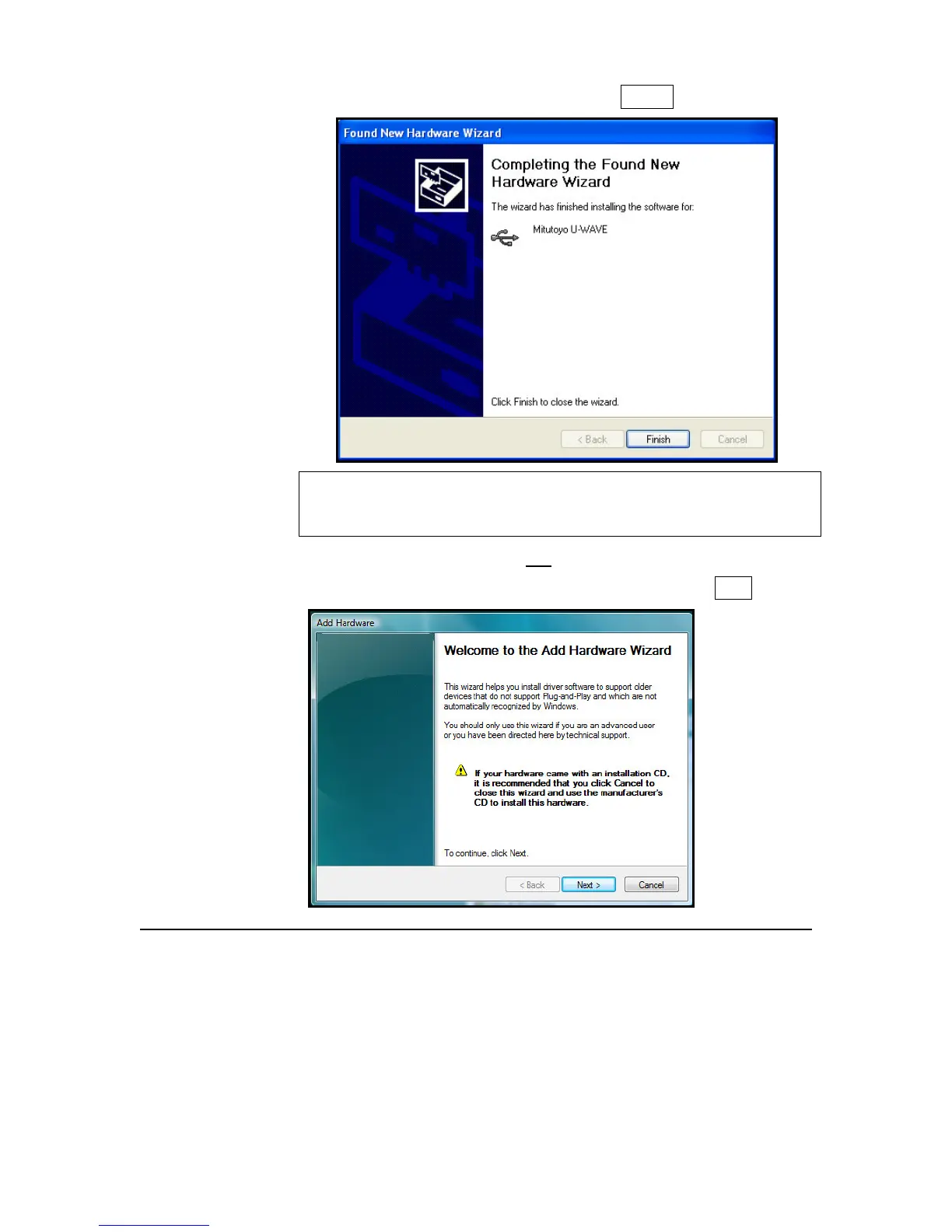
6. Driver software is being installed. Select Finish.
7. NOTE: This New Hardware message will appear 3 times, once for
the U-WAVE device, once for the virtual com port software, and
once to create the U-WAVE com port assignment.
Only if New Hardware did not start automatically:
1. Click Start > Control Panel > Add Hardware and click Next.



 To Next Page