User’s Guide
7
Retake Last Measurement
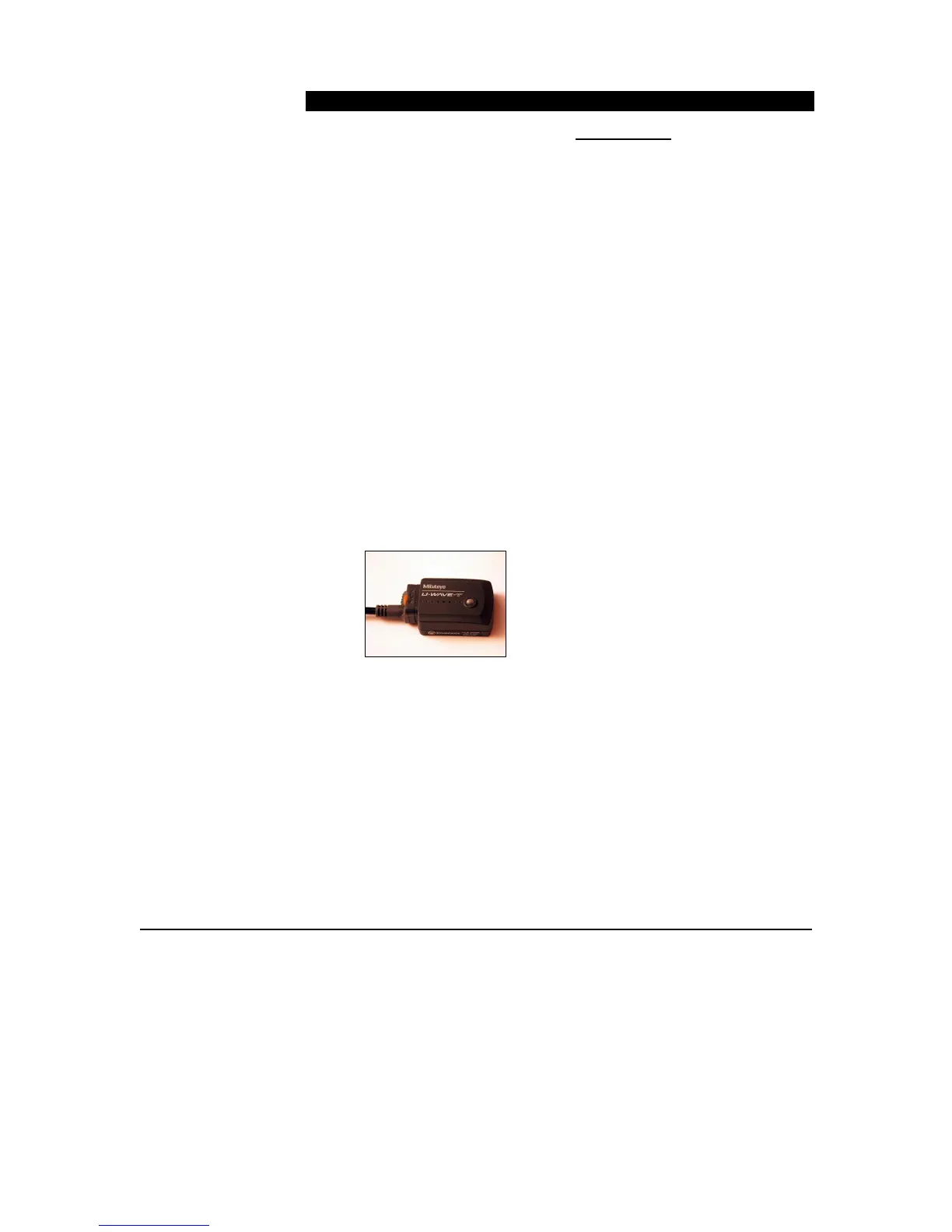
To use U-WAVE-T Device Retake function
1. Press and hold the data button for 5 seconds. The light will flash
red. Then release the button to send a remove data command.
Summary of data transmission:
• Press and release – Send data
• Press and hold 5 seconds – Retake
Only the most recent data value received by MeasurLink can
be removed when the Inspection Routine Option Collect
Method = By Part or By Feature.
When the Inspection Routine Option Collect Method =
Random more than one data value can be removed. Each
time the data button is held for the 5 seconds, the most
recent data value for the selected feature is removed.
Note: If purchased, the PDA Navi device offers additional
options for removing data using the U-WAVE-T device remove
data command.



 To Next Page