Adjust Post-Trigger Delay
The Lightning Bug Plus™
allows you to incorporate a slight delay
milliseconds*) be
tween when the unit senses lightning, and actual tripping of the
shutter. Some newer model cameras, especially those with no mirror, can have
zero or near-
zero lag time, and consequently, on some occasions, the camera will
trigger before the li
To make this adjustment,
the unit must be powered on. Simultaneously press the
On/Off Button and the Decrease Sensitivity Button and hold them for
approximately 1 second.
+
The yellow detection light will flash at a rate of approximately 2 times per second
when this mode is correctly entered.
current post-
trigger delay setting. At the leftmost position, there is no delay, at
the righ
tmost position, the delay is 90 m
millisecond incr
ements. For example, to add a 3
increase or decrease
Use the Sensitivity Buttons to de
display will be updated to show the current setting
are detected within approximately 3 seconds, the
unit returns to the normal operating mode (t
to flash).
You can also press the Power Button to immediately exit the
adjustment mode and return to normal operation.
Plus™ is set to no delay.
Rev: Version 1.2 June 16th, 20
allows you to incorporate a slight delay
tween when the unit senses lightning, and actual tripping of the
shutter. Some newer model cameras, especially those with no mirror, can have
zero lag time, and consequently, on some occasions, the camera will
t has fully formed.
the unit must be powered on. Simultaneously press the
On/Off Button and the Decrease Sensitivity Button and hold them for
The yellow detection light will flash at a rate of approximately 2 times per second
when this mode is correctly entered.
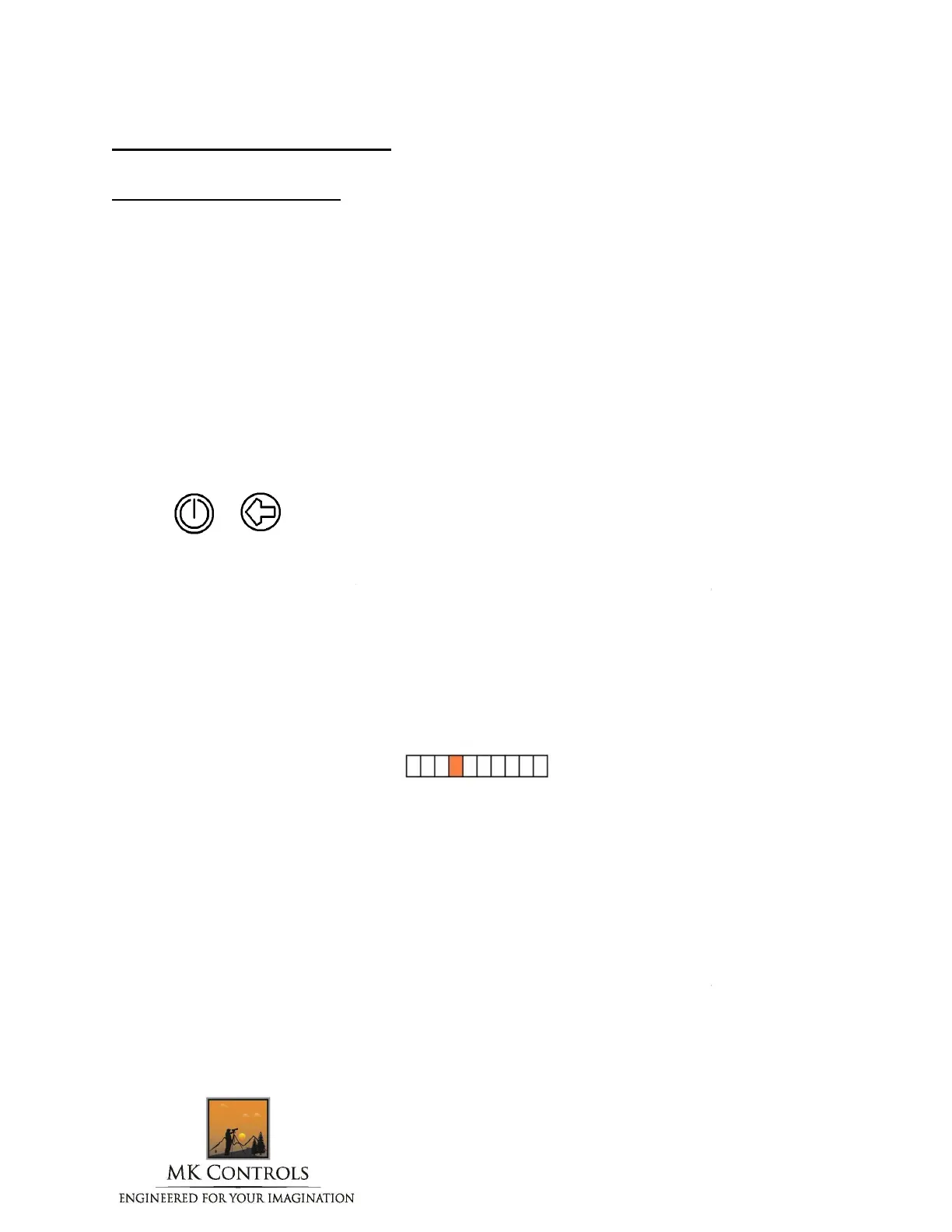
The orange bargraph LED will display the
trigger delay setting. At the leftmost position, there is no delay, at
tmost position, the delay is 90 m
illis
econds. The adjustments are in 10
ements. For example, to add a 3
0 millisecond
until the bargraph looks like this:
Use the Sensitivity Buttons to de
crease or increase the delay.
display will be updated to show the current setting
from 1 to 10
are detected within approximately 3 seconds, the
delay
setting is stored, and the
unit returns to the normal operating mode (t
he yellow detection light will cease
You can also press the Power Button to immediately exit the
adjustment mode and return to normal operation.
By default, the Lightning Bug
th
of a second.
2 Page 16 of 26
tween when the unit senses lightning, and actual tripping of the
shutter. Some newer model cameras, especially those with no mirror, can have
zero lag time, and consequently, on some occasions, the camera will
the unit must be powered on. Simultaneously press the
On/Off Button and the Decrease Sensitivity Button and hold them for
The yellow detection light will flash at a rate of approximately 2 times per second
The orange bargraph LED will display the
trigger delay setting. At the leftmost position, there is no delay, at
econds. The adjustments are in 10
would
setting is stored, and the
he yellow detection light will cease
You can also press the Power Button to immediately exit the
By default, the Lightning Bug



 To Next Page
 Loading...