Rev: Version 1.2 June 16th, 2022 Page 8 of 26
Battery Installation/Removal
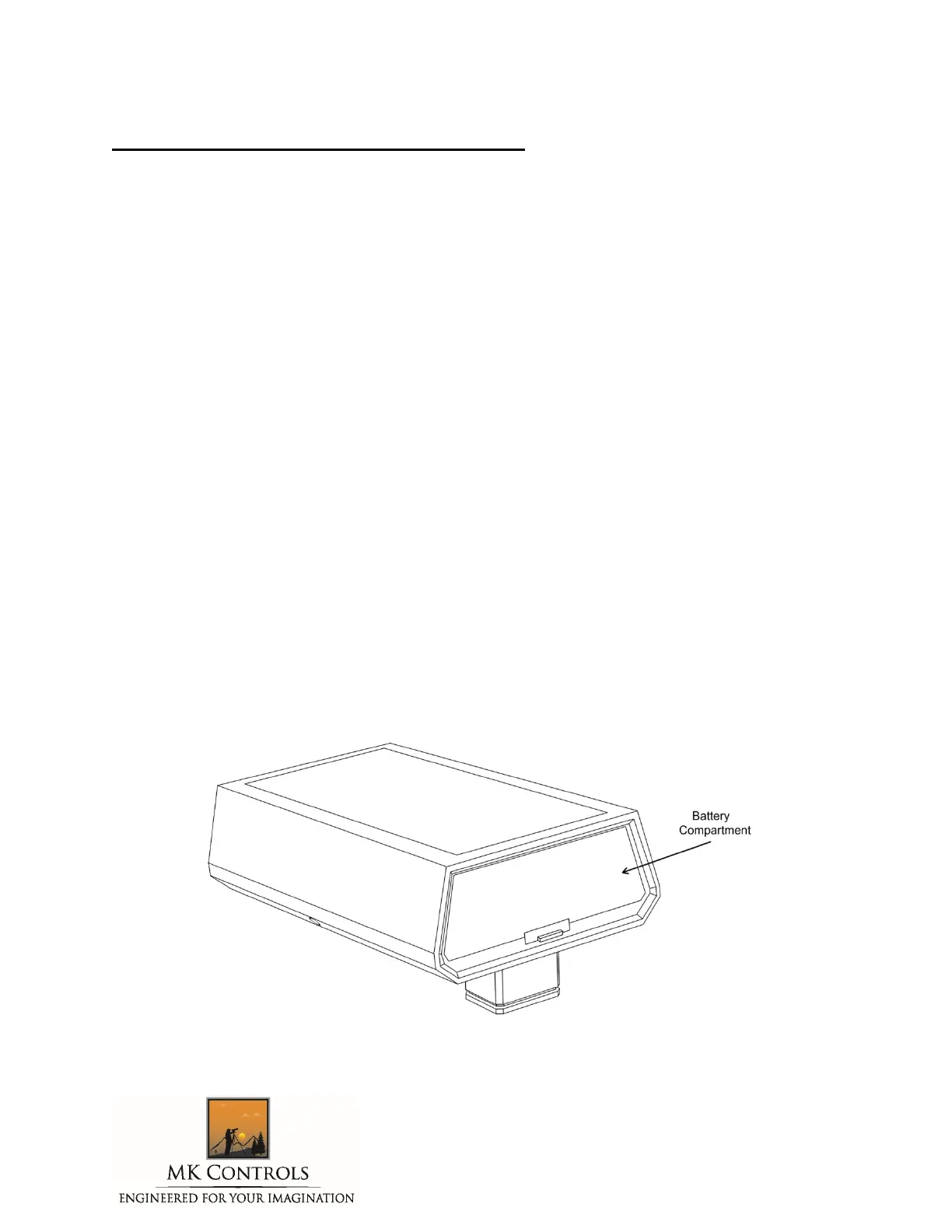
The Lightning Bug Plus™ case incorporates a battery compartment at the rear of
the unit. A small latch unlocks a removable battery compartment door.
A 9 Volt battery is required for operation. To insert it, gently pull the 9V
connector wires out from the compartment and attach a battery. The leads will
only allow the battery to be connected in one direction, and snap the leads in
place.
After installation of the battery, the compartment door should be replaced – it
snaps into position with an audible click.
To remove the battery, reverse the process.
Please note:
MK Controls, Inc. does not recommend leaving the battery in place during long storage periods.
There is a slight current draw whenever the battery is installed, and after a period of months
the battery may no longer have sufficient operating power if left in the Lightning Bug Plus
TM
during long-term storage. In addition, batteries can, on occasion, leak electrolytes. This fluid is
corrosive, and can damage the circuitry of the Lightning Bug Plus™, in addition to the battery
connector. The Lightning Bug Plus™ Warranty does not cover damage due to a leaking battery.



 To Next Page