OPERATOR MANUAL EXLRT
Ref: XLR-104 © 2020 MK Test Systems Ltd Page 15 of 28
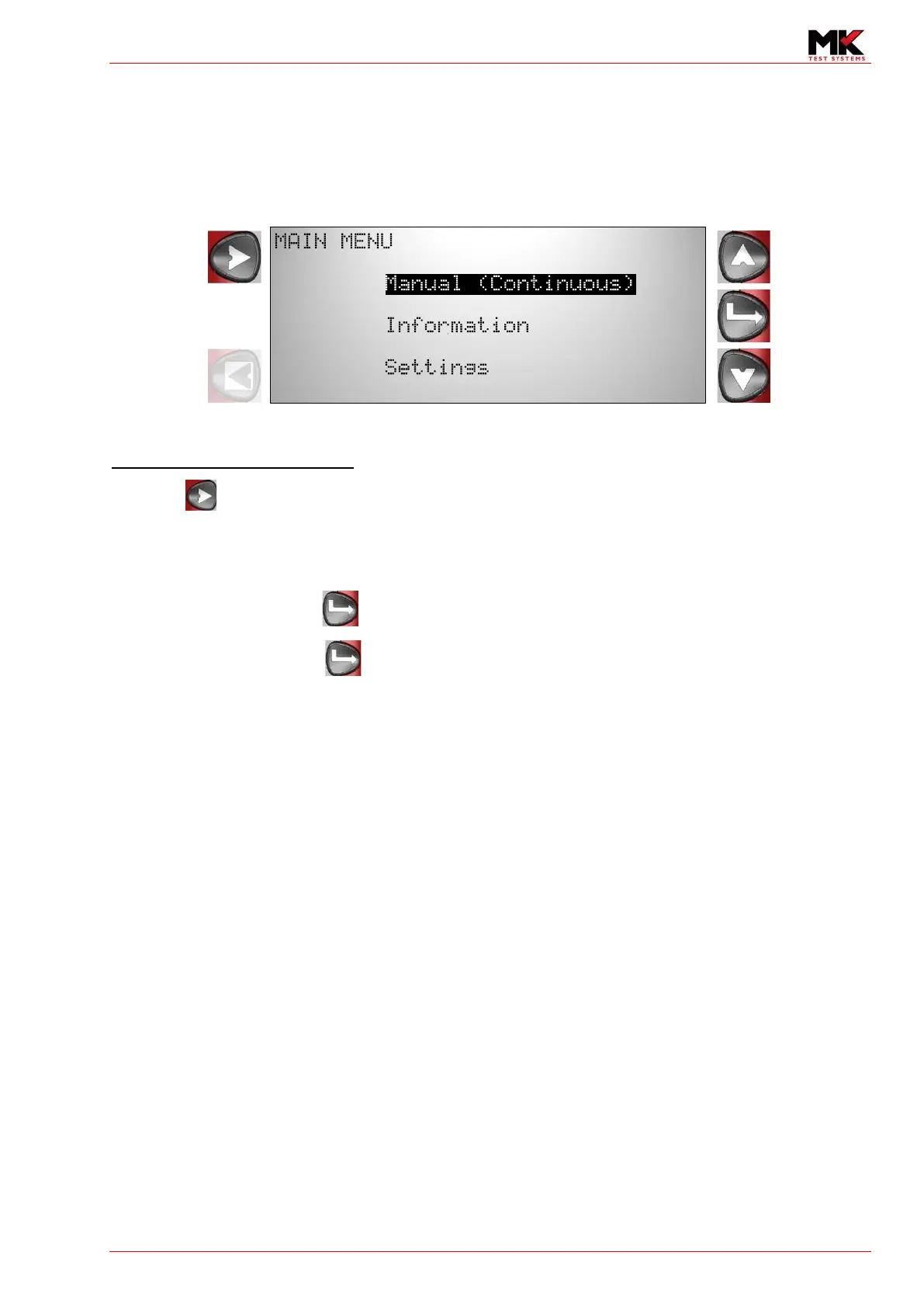
8 MAIN MENU
The following options are listed in the main menu. Use the scroll up and down buttons to highlight
your desired choice.
In this screen, the ExLRT will display the device/asset information if it has been programmed into the
device
Proceed to measurement screen
Press the to proceed straight to the measurement screen.
If manual mode is set to ‘Continuous’, go to section 10 Continuous mode measurements
If manual mode is set to ‘Single Shot, go to section 11 Single Shot Measurements
Highlight Manual and press to proceed to the Manual Menu. Go to section 9 Manual Menu.
Highlight Settings and press to proceed to the Settings Menu. Go to section 17 Settings Menu
.
Proceed to
measurement
screen
Scroll up
Select
No action
Scroll down

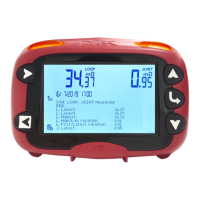

 To Next Page