OPERATOR MANUAL EXLRT
Ref: XLR-104 © 2020 MK Test Systems Ltd Page 18 of 28
10 CONTINUOUS MODE MEASUREMENTS
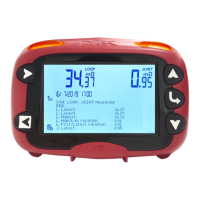
During continuous mode, the icon is turned on to indicate continuous mode of operation.
Measurements are continuously updated to the screen and are cleared in the event of a change in
cable state or measurement error.
Starting Continuous
From the manual mode screen, press the front panel start button to automatically initiate
continuous mode.
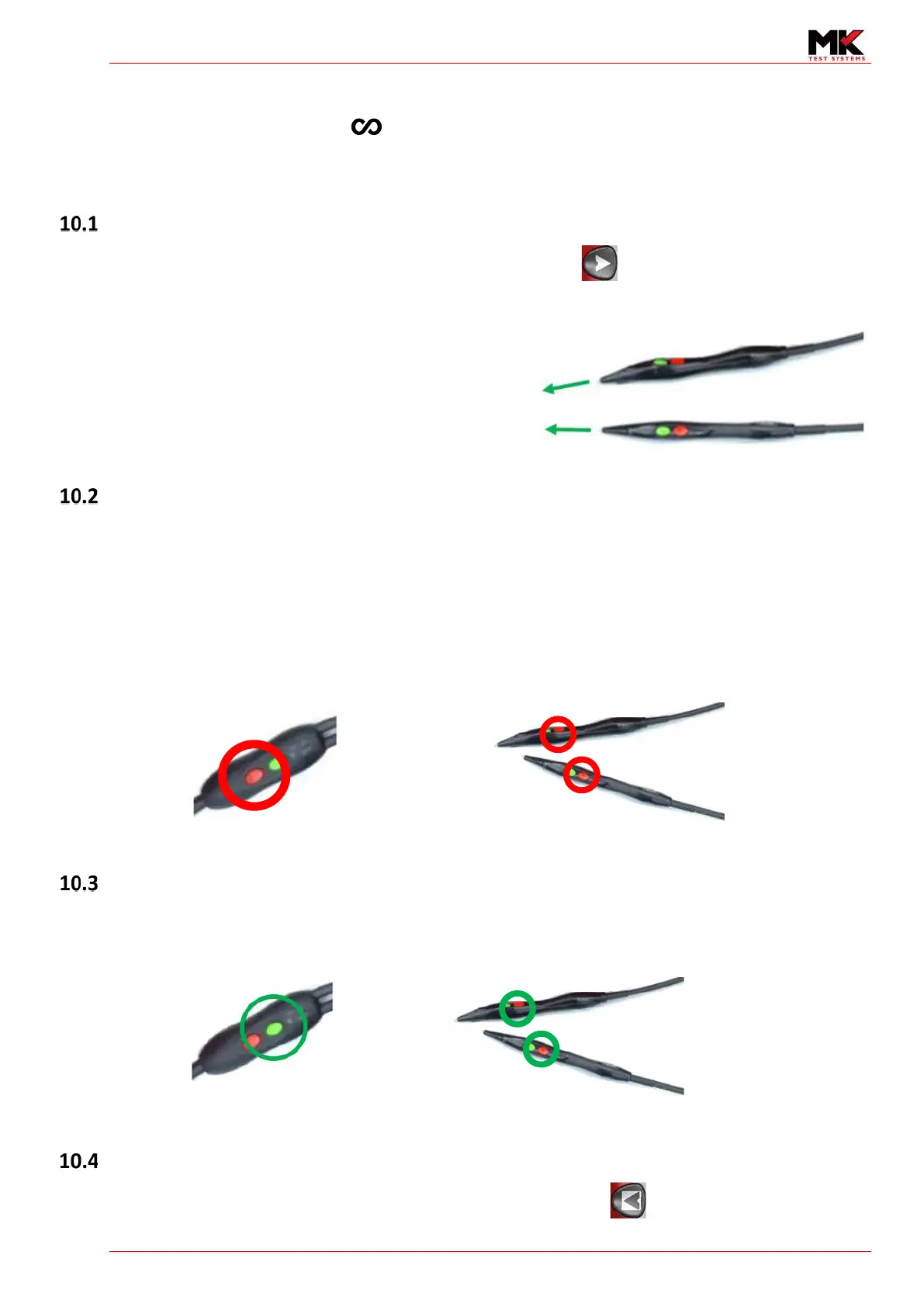
If the joint cable is connected, then the ExLRT will
commence continuous mode for both loop and joint
measurements.
The ExLRT will automatically start taking loop
measurements. To take a joint measurement, simply
connect the joint probes to the UUT.
Pausing continuous mode measurements
To halt continuous mode measurements, press any of the red buttons on the in-line controller or a
red button on either of the joint probes.
By halting the measurement, the loop and joint measurements are latched until measuring is
resumed.
The ExLRT indicators will flash Amber during the pause state. This is a convenient way to quickly
start/stop the measurement without opening and closing the couplers.
Resuming continuous mode
To resume continuous mode measurements, press the in-line controller green button or any of the
green buttons on the joint probes. The ExLRT will return to continuous measurements.
Exiting from continuous mode
Continuous mode can be exited using the front panel stop button


 To Next Page