OPERATOR MANUAL EXLRT
Ref: XLR-104 © 2020 MK Test Systems Ltd Page 9 of 28
3 CHARGING THE BATTERY
External charging
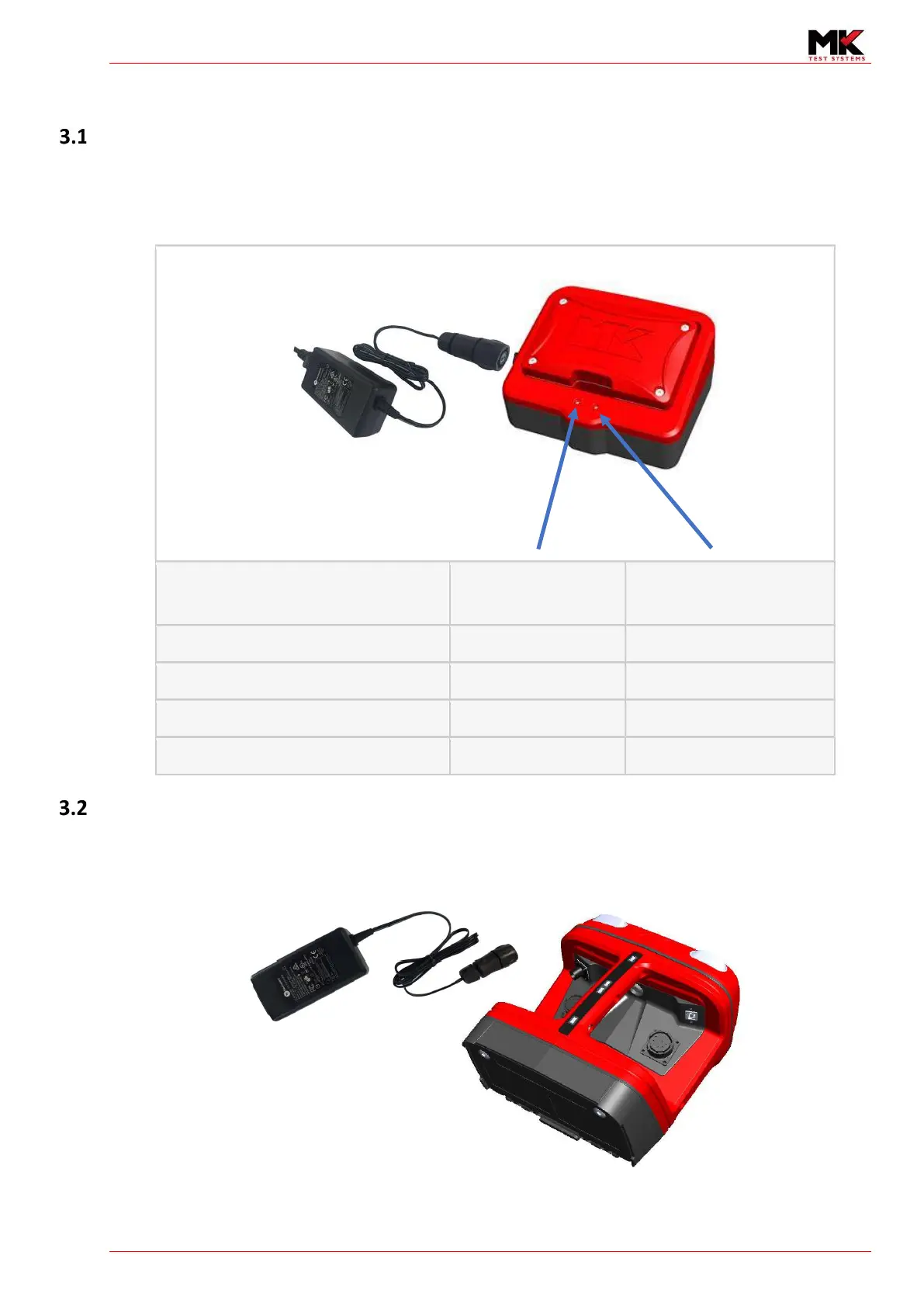
Insert the battery into the charger as shown and attach the supplied MK PSU. The table below shows
the list of the LED states to indicate the state of the battery.
Charger State
(Normal working condition)
LED 1 (Left) LED 2 (Right)
Ready to Charge (Battery not installed)
Off Green
Charging Red Green
Battery Inserted and fully Charged Off Green
NiMH Top-Off Charge/Charged Orange Green
Internal Charging
Simply plug the PSU into the ExLRT to charge the battery. The battery container will display flashing
bars to indicate that the battery is charging.



 To Next Page