8 - EZ Mode Use
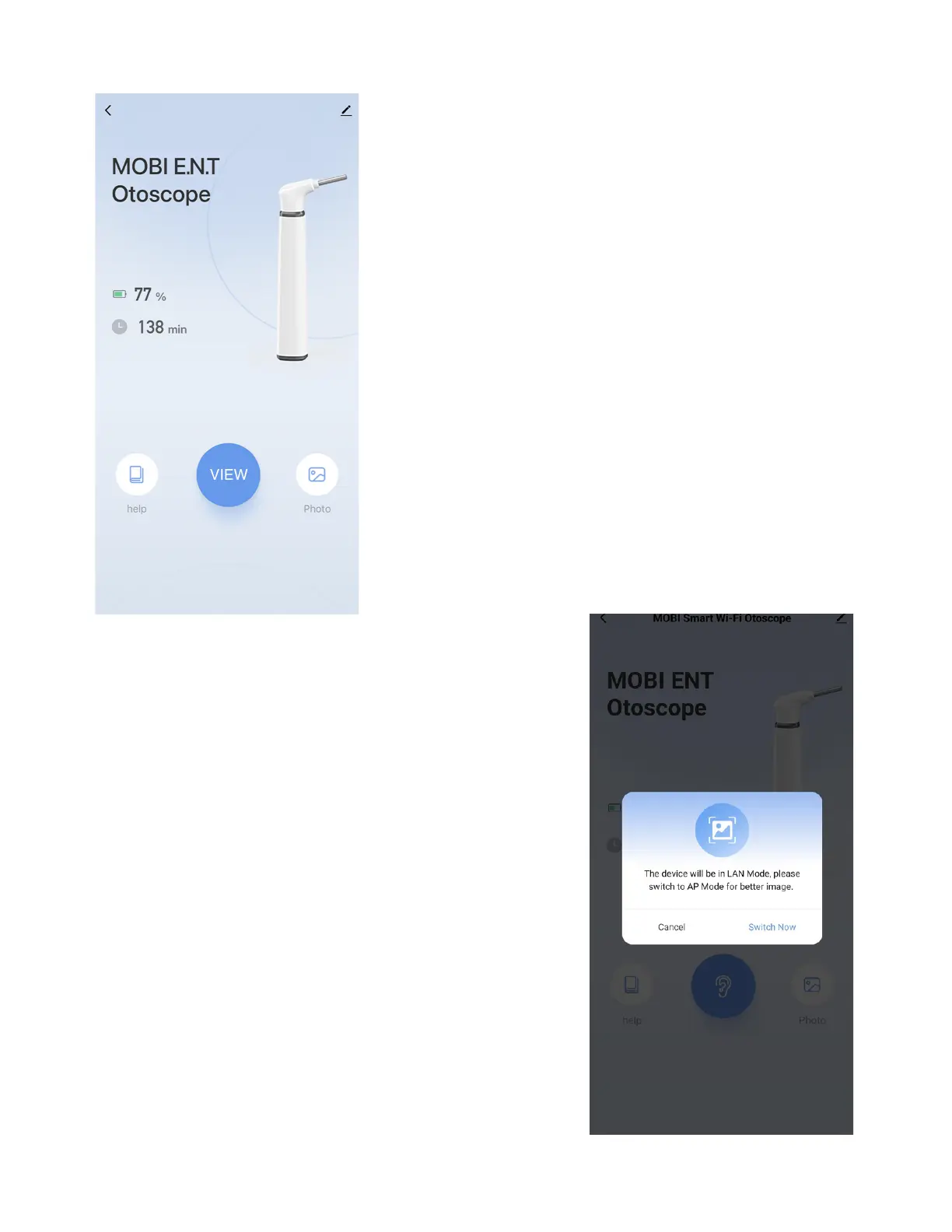
Congratulations, you've set up
your device in EZ mode. To use
your MOBI E.N.T. Otoscope, tap
the blue "VIEW" button.
Note: In EZ Mode, the MOBI E.N.T.
Otoscope is only viewable while
connected to the 2.4GHz Wi-Fi
Network used to connect the
device under step 5 - "Wi-Fi
Setup."
The following prompt may appear on
your MOBI Smart App, suggesting
you connect automatically to AP
mode.
Switch to AP mode for better images
and a more stable connection.
Tap "Switch Now" if you wish to
connect your device to AP mode.
If not, tap "Cancel."
www.getmobi.com +1(877) 662-4462
9


 To Next Page