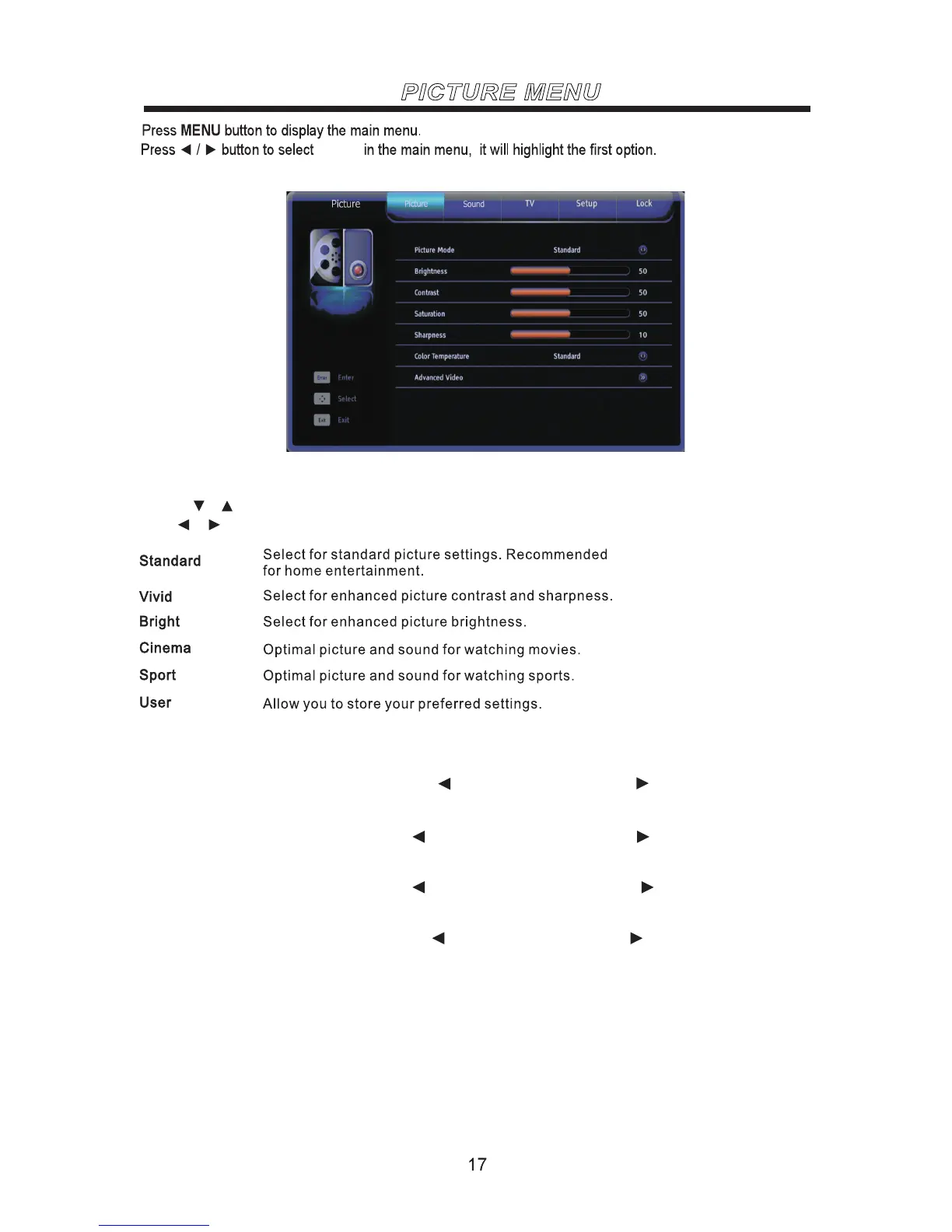
PICTURE MENU
Picture Mode
Use the or buttons to highlight one of the following options,then press ENTER to enter the sub-menu and
press or to adjust.
Video
Note: Those settings can be adjusted only when the Picture Mode is set to User.
Brightness
Adjust to brighten or darken the picture. Press to darken the picture. Press to brighten the picture.
Contrast
Adjust the white level of the picture. Press to decrease the contrast. Press to increase the contrast.
Saturation
Adjust the color purity of the picture. Press to increase the red tones. Press to increase the green tones.
Sharpness
Adjust to sharpen or soften the picture. Press to soften the picture. Press to sharpen the picture.



 To Next Page