PICTURE MENU
Color Temperature
Use the or buttons to highlight one of the following options,then press ENTER to enter the sub-menu and
press or to adjust.
Standard Select to give the white color a neutral tint.
Warm Select to give the white color a reddish tint.
Cool Select to give the white color a bluish tint.
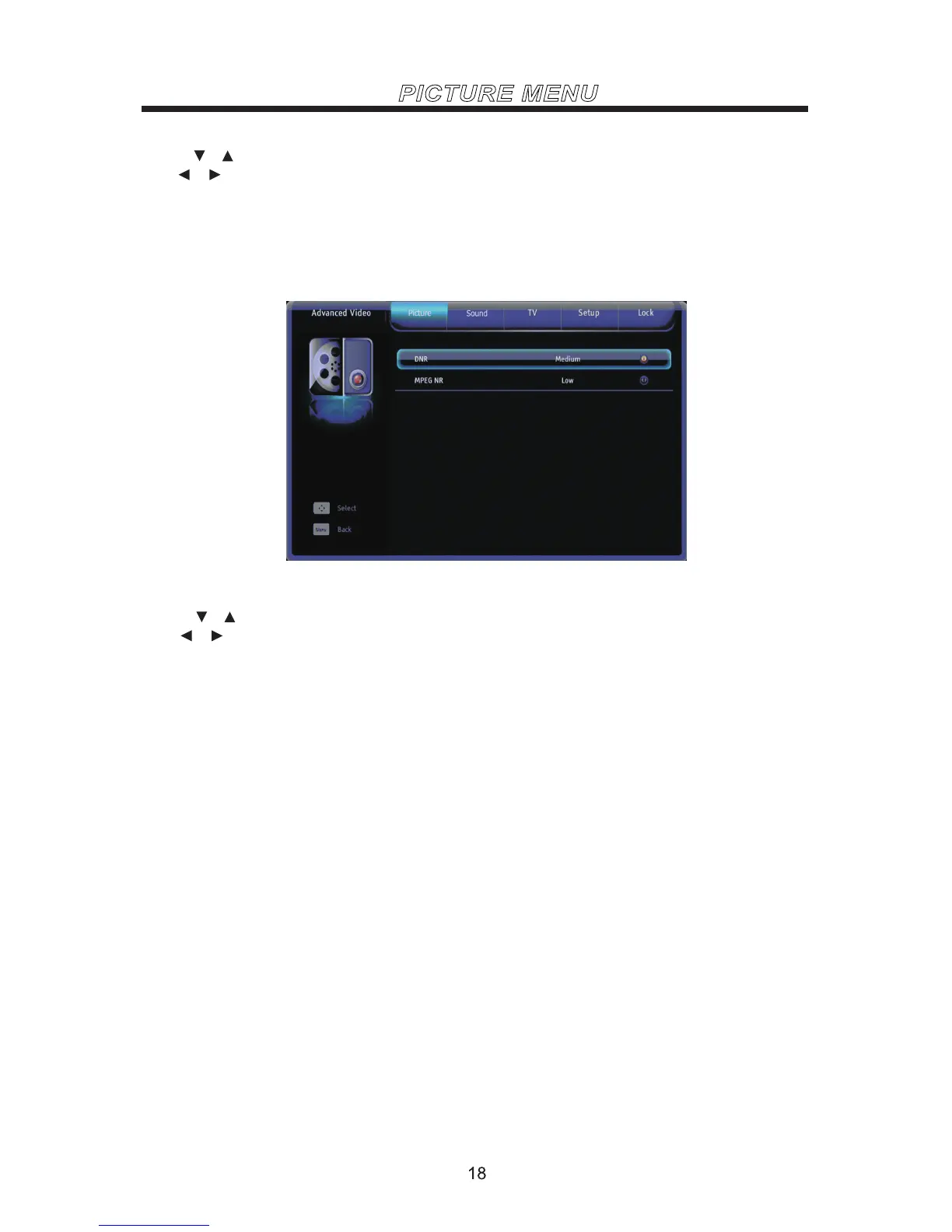
Advanced Video
Use the or buttons to highlight one of the following options,then press ENTER to enter the sub-menu and
press or to adjust.
DNR You can clear up analog TV signal by reducing the dot noise. This feature is not available at PC
or Media source.
MPEG NR Similar with the Noise Reduction, you can set to reduce the block noise.



 To Next Page