LOCK MENU
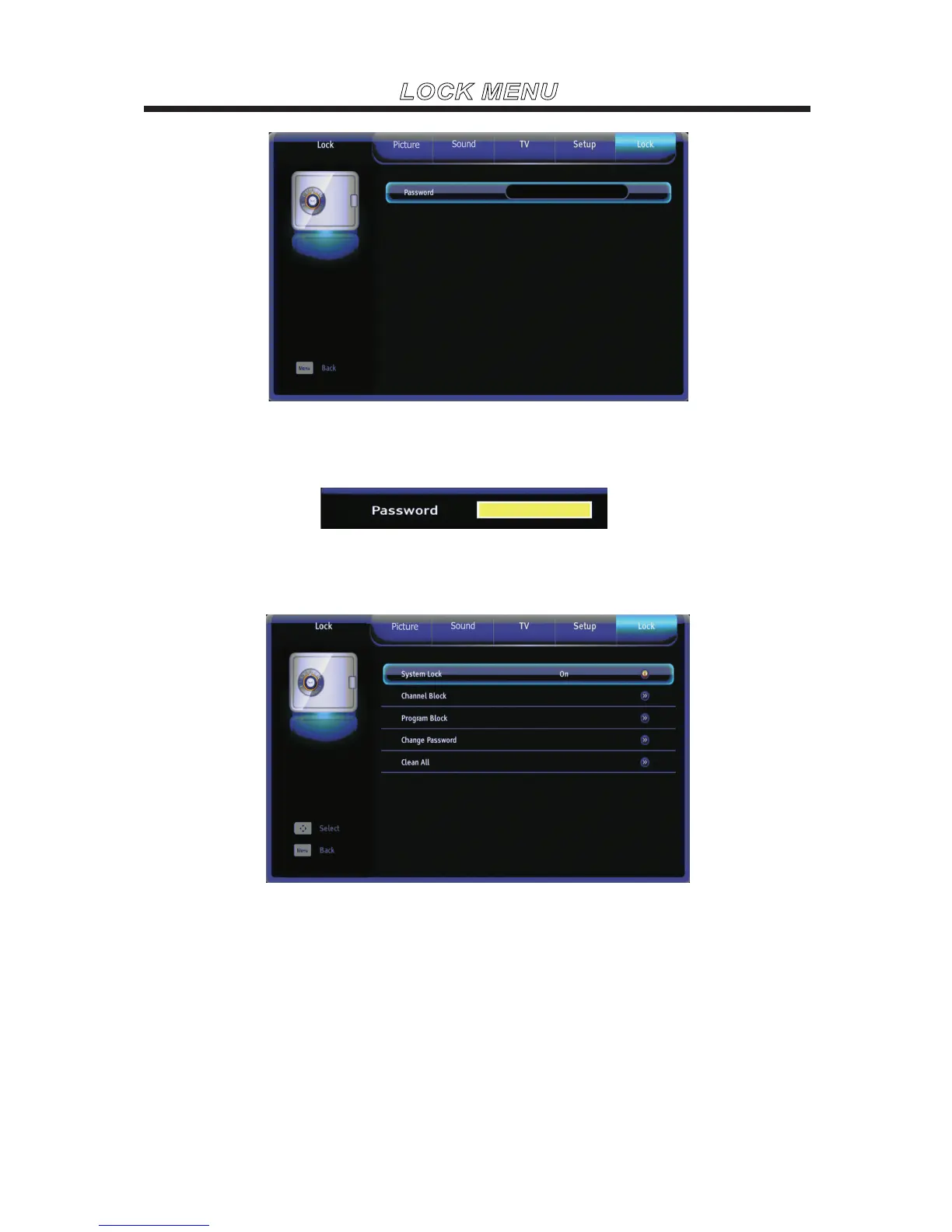
Use the ▼ or ▲ buttons to highlight one of the following options, then press ENTER to select it and then
you will enter the password interface.
Password
After entering the correct password, you will see the submenu as the picture below.
The default password is “0000”. If you forget what youset, please call the service center.
SystemLock
Set the channel / program block on or off.



 To Next Page