SETUP MENU
Use the ▼ or ▲ buttons to highlight one of the following options, then press ENTER to enter the sub-menu
and press◄ or ► to adjust.
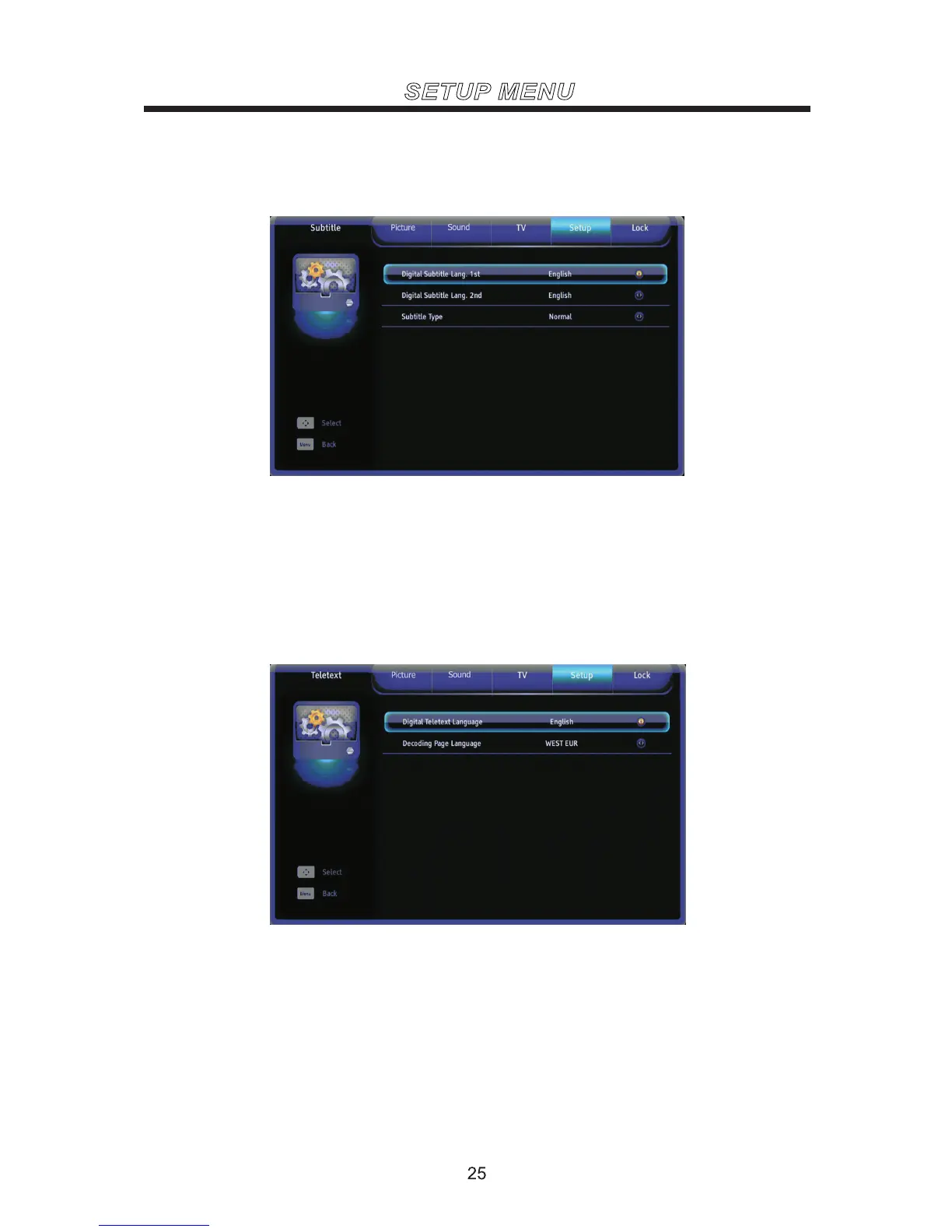
Subtitle
Digital Subtitle Lang.1st Set the first language for the digital subtitle.
Digital Subtitle Lang.2nd Set the second language for the digital subtitle.
Subtitle Type Select the subtitle type (Normal/Hearing Impaired).
Use the ▼ or ▲ buttons to highlight one of the following options, thenpress ENTER to enter the sub-menu
and press◄ or ► to adjust.
Teletext
Digital Teletext Language Set the language for the digital teletext.
Decoding Page Language Set the language for the decoding page.
Set the first time installation.
First TimeInstallation
Reset all the Settings to default .
ResetDefault



 To Next Page