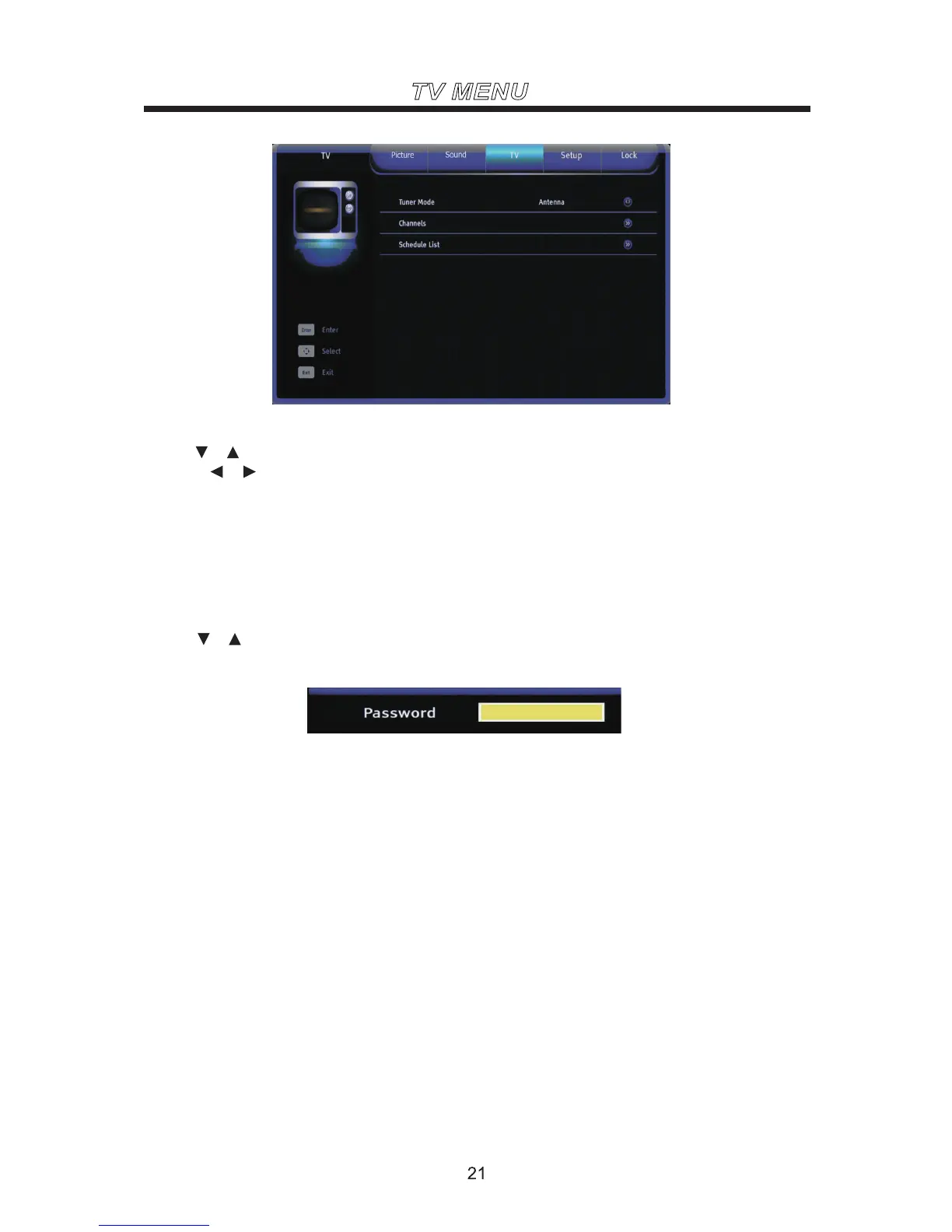
TV MENU
Cable Set the signal type to cable. When set to Cable, TV
Use the or buttons to highlight one of the following options, then press ENTER to enter the sub-menu
and press or to adjust.
Tuner Mode
can catch analog and DVB-T broadcasting signal.
Satellite Set the signal type to satellite.
Antenna Set the signal type to antenna. When set to Air, TV
can catch analog and DVB-T broadcasting signal.
Channel
Use the or buttons to highlight one of the following options, then press ENTER to select it and then
you will enter the password interface.
The default is “0000”, if you forget what you set, please call the service center.
Channel Scan Automatically search for channels. It will search analog channels first, then digital
channels.
Note: Before execute auto channel search, please confirm your signal type. Wrong setting of signal Type
maybe cause finding no channel. Found numbers do no include encryption programs.



 To Next Page