PC MENU
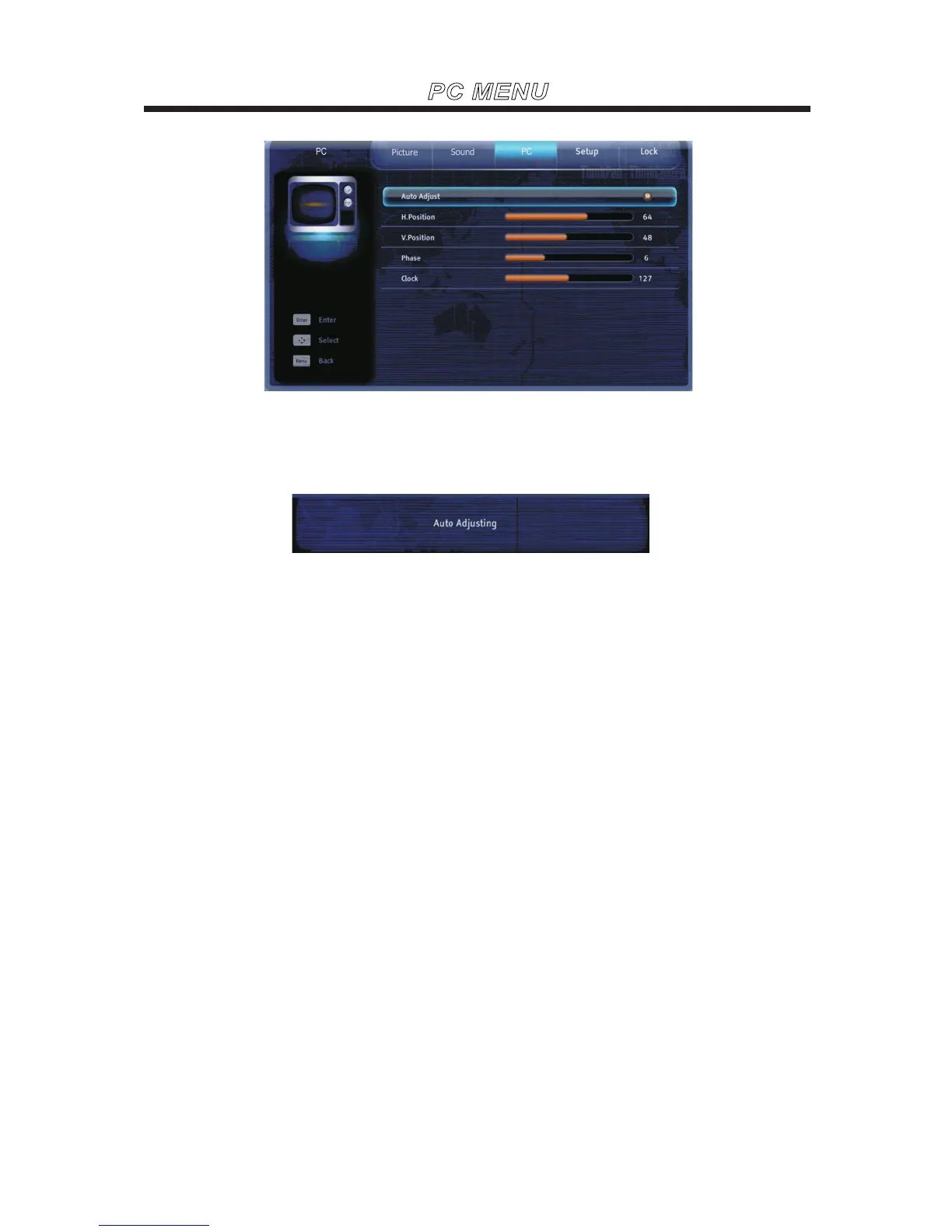
Use the ▼ or ▲ buttons to highlight one of the following options, thenpress ENTER to enter the sub-menu
and press◄ or ► to adjust.
Auto Adjust
Select to automatically adjust the display position and phase of the picture when the TV receives an input
signal from the connected PC.Note that Auto Adjust may not work well with certain input signals.In such
cases, manually adjust the options below.
Allows you to move the position of the picture left and right.
H.Position
Allows you to move the position of the picture up and down.
V.Position
Adjust to fine tune overall sharpness.
Phase
Adjust the low frequency sounds.
Clock



 To Next Page