[Name]: Select print mode
[Format]: ASCII ESC ! n
Hexadecimal 1B 21 n
Decimal 27 33 n
[Description]: Select print mode(s) using n as follows:
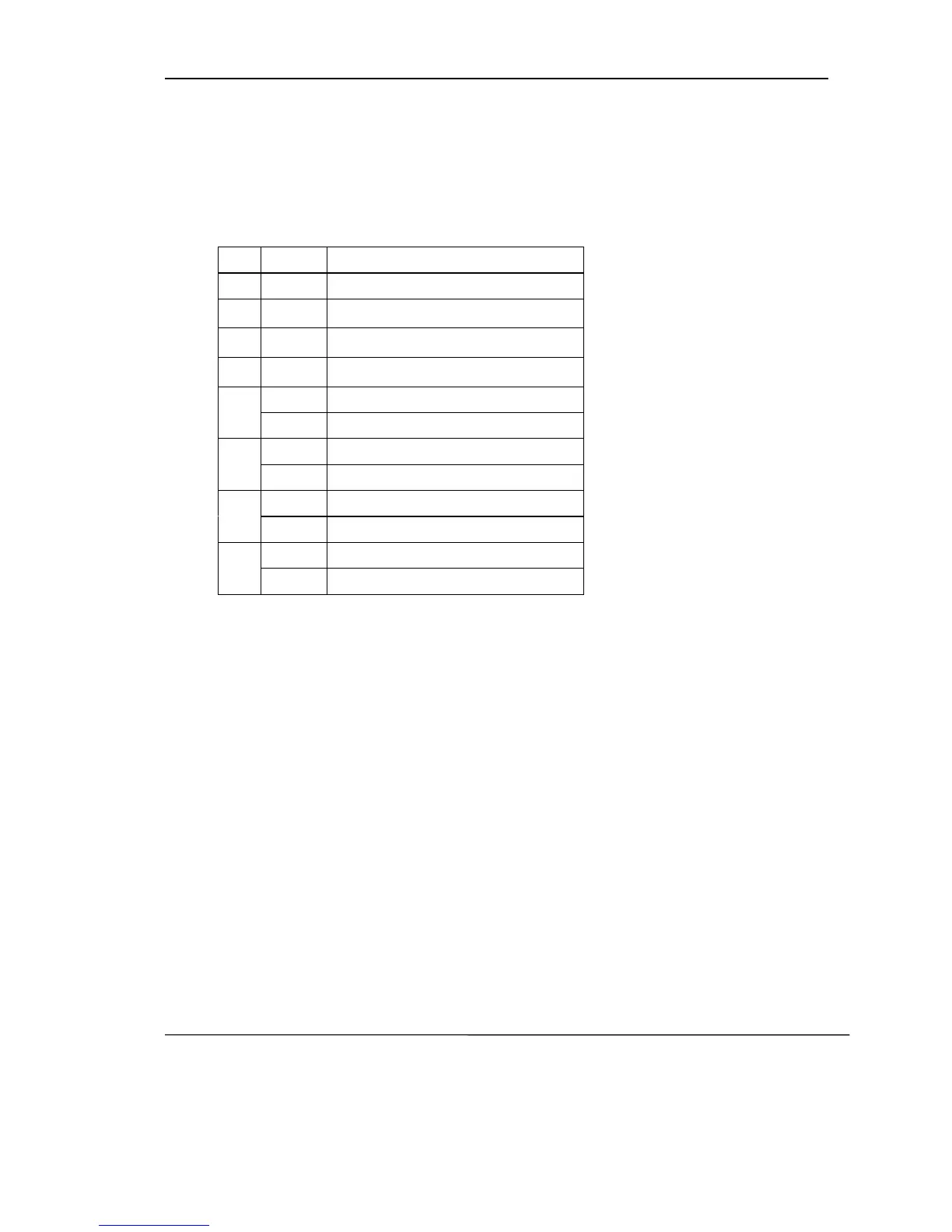
Bit Value Description
0 0 Undefined
1
-
Undefined
2
-
Undefined
3
-
Undefined
4
0 Cancel double height mode
1 Select double height mode
5
0 Cancel double width mode
1 Select double width mode
6
0 Cancel up-line mode
1 Select up-line mode
7
0 Cancel underline mode
1 Select underline mode
[Notice]:
• When both double-height and double-width modes are selected,
quadruple size characters are printed.
• When some characters in a line are double or more height, all the
characters
on the line are aligned at the baseline.
• ESC - can also turn on or off underline mode. However, the setting of the
last received command is effective.
• ESC + can also select character size. However, the setting of the last
received command is effective.
• This command is effective for both alphanumeric and Chinese character.
[Default]: n = 0
[Reference]: ESC -, ESC +
[Example]: If set font B with double width and underline, please select the
command(hexadecimal): 1B 21 A1
4.2.2 ESC U n
[Name]: Enlarge width
[Format]: ASCII ESC U n
Hexadecimal 1B 55 n
Decimal 27 85 n



 To Next Page