• Any setting that exceeds the printable area is ignored.
• The print starting position moves from the current position to [ N ×
horizontal motion unit]
4.3.4 ESC 2
[Name]: Select default line spacing
[Format]: ASCII ESC 2
Hexadecimal 1B 32
Decimal 27 50
[Description]: Set the current character line spacing as the default one: 6
dot spacing.
[Notice]: The height of the character is not included by the 6 dot spacing.
[Reference]: ESC 3
4.3.5 ESC 3 n
[Name]: Set line spacing
[Format]: ASCII ESC 3 n
Hexadecimal 1B 33 n
Decimal 27 51 n
[Range]: 0 ≤ n ≤ 255
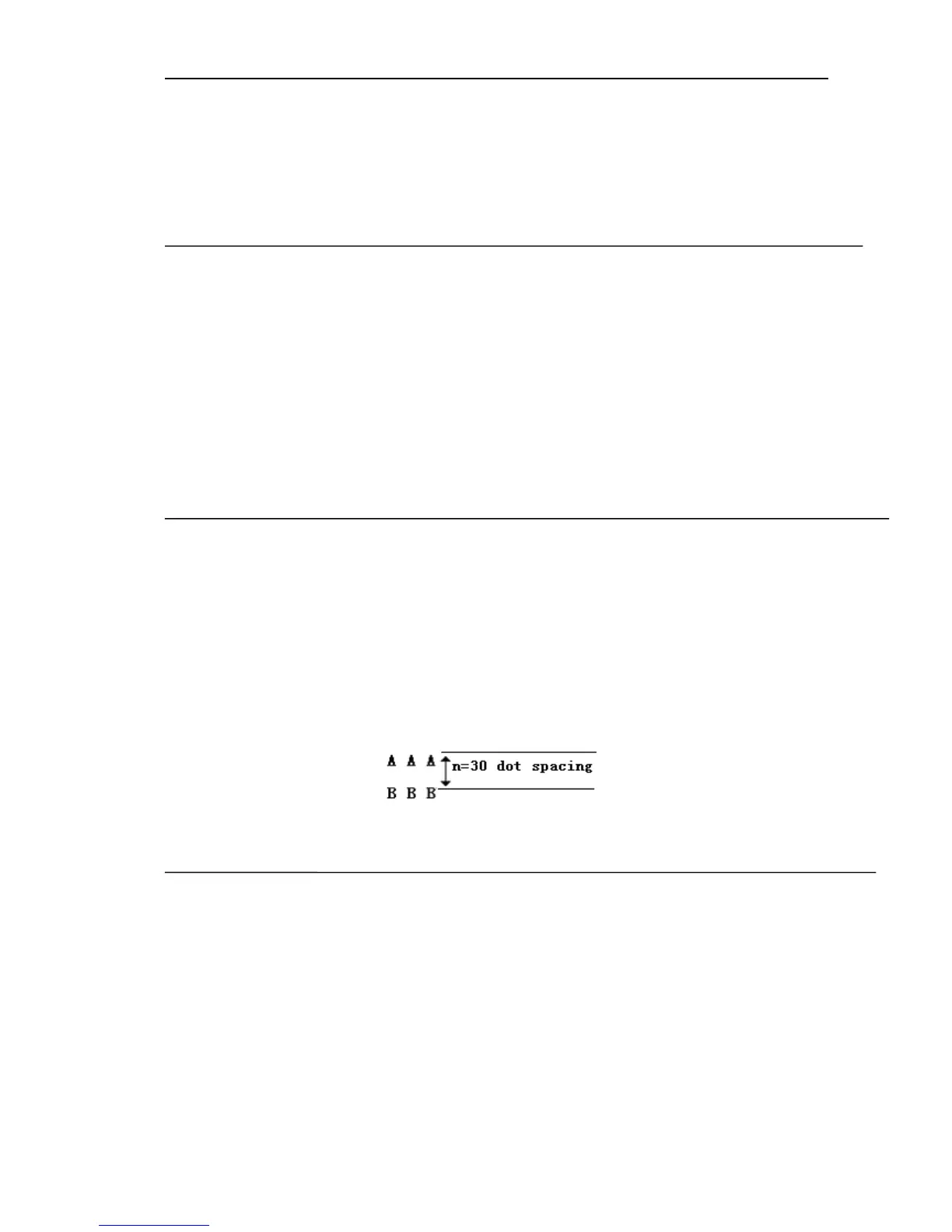
[Description]: Set n vertical dot spacing as the character line spacing.
[Default]: n = 30
[Reference]: ESC 2
[Example]:
4.3.6 ESC SP n
[Name]: Set character spacing
[Format]: ASCII ESC SP n
Hexadecimal 1B 20 n
Decimal 27 32 n
[Range]:0 ≤ n ≤ 255
[Description]:Set n horizontal dot spacing as the character’s right spacing
(exclude the character’s height).
[Notice]: When in the double width mode, the character’s right spacing is
two times to the normal spacing. When the characters are enlarged, their
right spacing also will be enlarged accordingly.



 To Next Page