Dimensions 105x125x35mm
Weight ca. 400g
1.6 Wireless LAN - Interface
Wireless LAN-Interface:
Technology 802.11 a/b/g/n WLAN (2.4 + 5 GHz Band)
Antennas 2 Antennas (2T2R MIMO)
Encryption WEP (64,128bit) + TKIP/AES
Security 802.11i WPA(2) – PSK
802.1x EAP-PEAP, -TLS, -TTLS, -LEAP
Channels 802.11b/g/n ETSI 1-13, USA/Canada 1-11
802.11a/n ETSI 19, USA/Canada 25 (U-NII-1 + UNII-2A + U-NII-2C+U-NII-3)
Data Rates Mode Data Rate
802.11b: 1, 2, 5.5 , 11Mbps
802.11g / a 6, 9, 12, 18, 24, 36, 48, 54Mbps
802.11n (20MHz) 1Nss: max. 72.2Mbps
2Nss: max. 144.4Mbps
802.11n (40MHz) 1Nss: max. 150Mbps
2Nss: max. 300Mbps
Transmission Power 802.11b/g 17 dBm
802.11gn 16 dBm
802.11a 15 dBm
802.11an 15 dBm
Table 2: Properties of the Wireless LAN-Interface
2 Initial startup
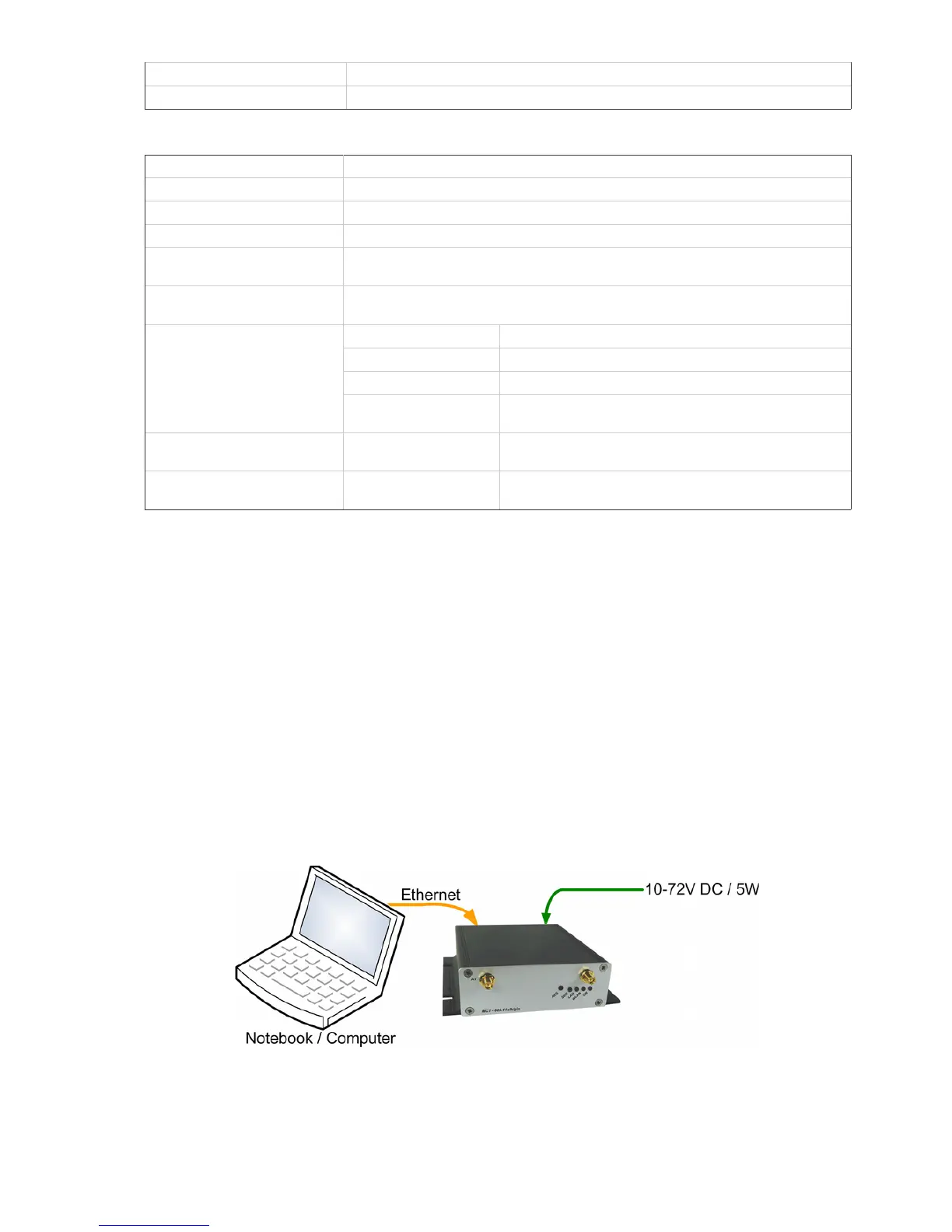
Please connect the MC via the Ethernet-Port with a PC using a patch cable for the initial startup.
When turning on power supply voltage, all LEDs briefly blink white. After that only the ON-LED lights up
green, which soon starts blinking orange (red & green) and green. This indicates the boot process. After
about 15 seconds the application is ready and the LEDs indicate the modes described above.
2.1 The MC-Config-Application
For its initial startup the MC is only able to communicate via its LAN-Port because typically there is no
wireless network with a suitable SSID.
MC Manual Version 2.10c



 To Next Page