OPERATING MANUAL STEAM SYSTEM
www.modbar.com Document 003-0042-1.1| Software Version 2.0
home -> main settings -> file operations -> load settings
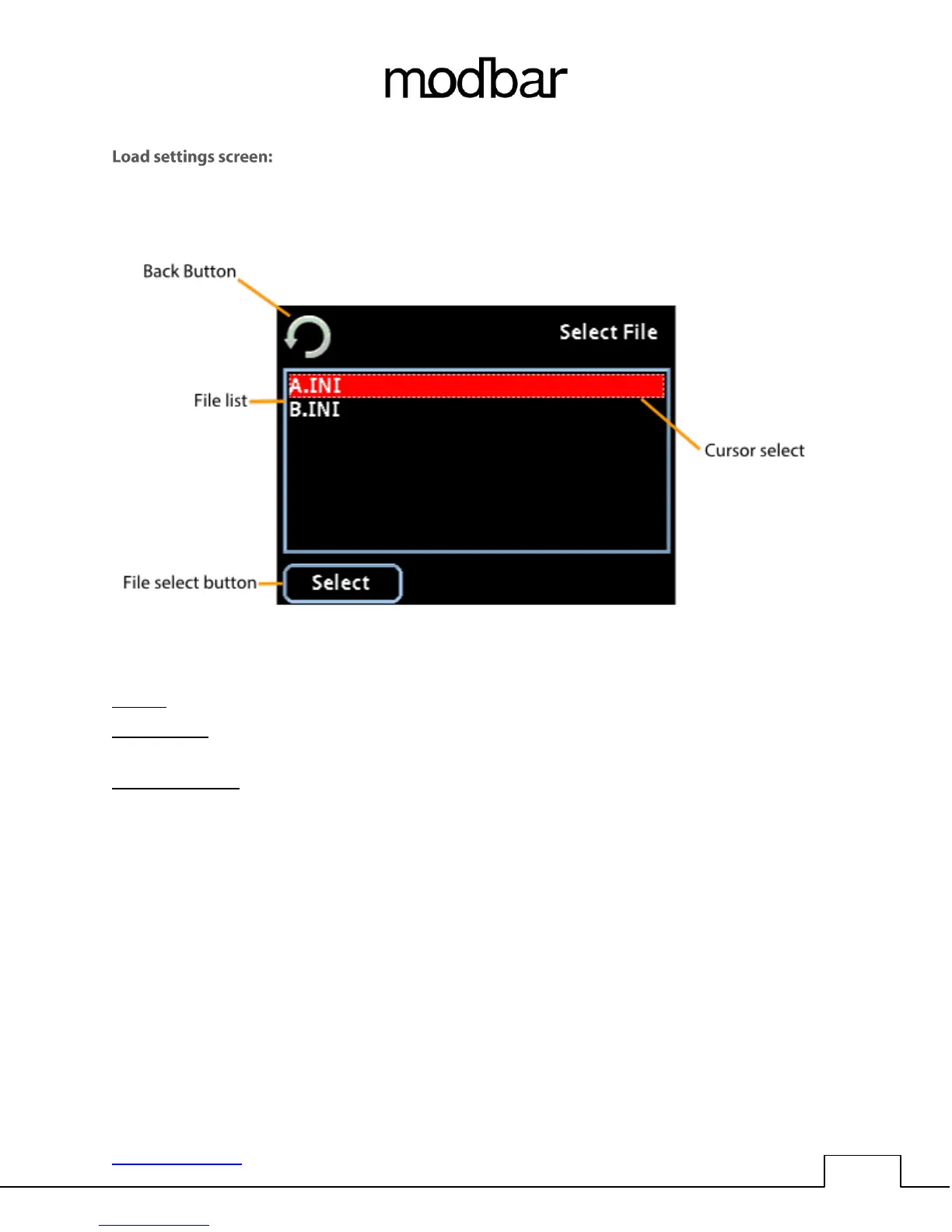
File list: This area displays all of the settings files that are currently saved to the USB drive.
Cursor select: The dotted outline cursor select indicates which file is selected on screen. You may use
the rotary encoder or up/down function of the joystick to navigate the file list.
File select button: Pressing select will load the currently selected settings file. This all user accessible
settings and preferences.



 To Next Page