www.modecom.eu
24
MODECOM GPS NAVIGATOR
4.2 Preparing MP3 Files for Your
Device
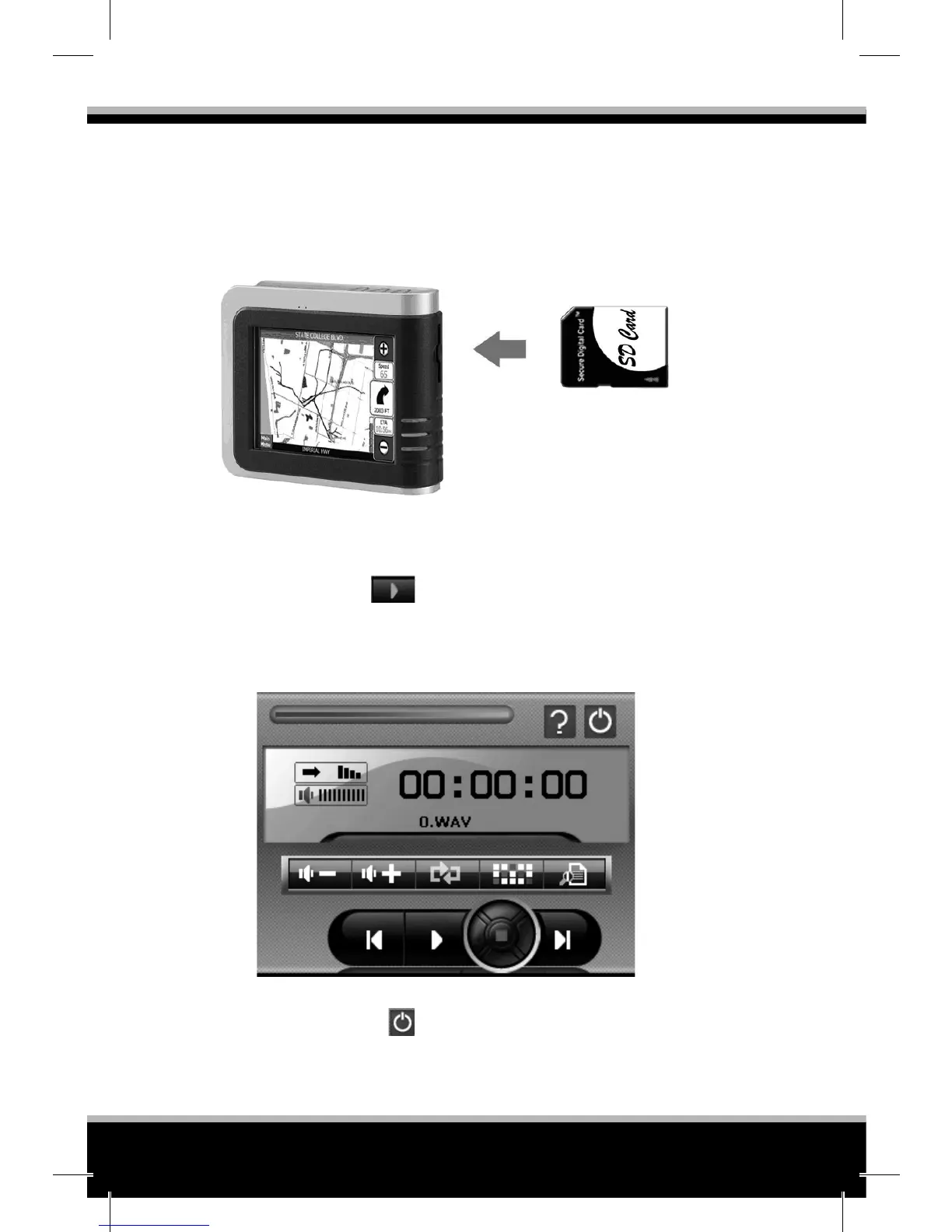
Using the card reader, you can easily copy MP3 les from your com-
puter to a memory card. The MP3 Player can detect MP3 les in all
folders in the memory card.
4.3 Playing MP3 Files
1. Tap the MP3 button on the Main screen to start the program
2. To start playback, tap
. To control the playback, use the con-
trol buttons as described later.
• NOTE: When les are added to the play list, the play list is automati-
cally saved when you exit the MP3 Player.
3. To exit the program, tap
at the top of the panel. You will return
to the Main menu.


 To Next Page