Need help?
Do you have a question about the MOFI NETWORK MOFI4500 and is the answer not in the manual?
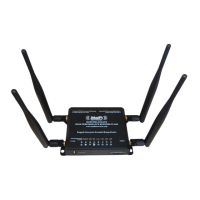
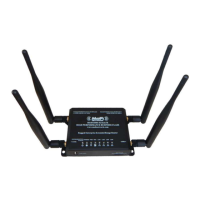
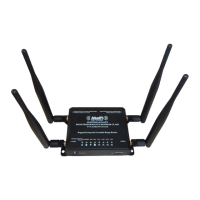
Explains how the MoFi Network Router MOFI4500-4GXeLTEv2 connects to the internet via WiFi client or USB cell modem dongle.
States that the router is equipped with four Ethernet RJ45 ports for connectivity.
Illustrates the hardware setup for the MOFI4500 router as a Cellular Internet Gateway connecting to Piksi Multi.
Details Swift Navigation's setup for connecting Piksi Multi to the internet.
Instructs to plug in the activated USB cell modem dongle before powering up the router.
Notes that the MOFI4500 uses 12 V DC supply and can share power with Piksi Multi / Duro.
Describes the router boot time, default WiFi hotspot, and indicators for internet access.
Guides on configuring Piksi Multi / Duro Ethernet for DHCP or static IP address via Swift Console.
Explains how to verify the internet connection for Piksi Multi / Duro using Swift Console.
Outlines proceeding to setup Skylark or NTRIP corrections once internet access is confirmed.
 General
| Brand | MOFI NETWORK |
|---|---|
| Model | MOFI4500 |
| Category | Network Router |
| Language | English |

 To Next Page