9
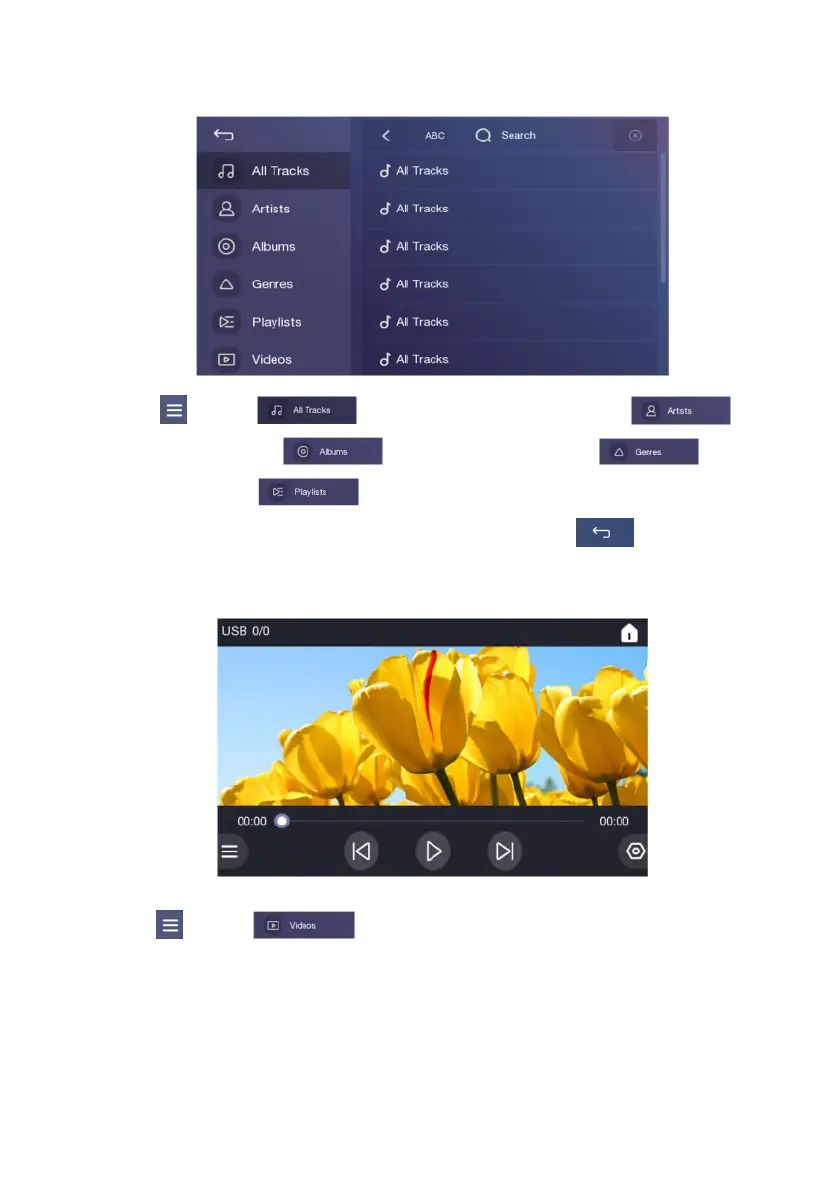
Touch 【 】, select【 】to show the All Music Tracks list , select【 】to
show the Artists list , select【 】to show the Albums list , select【 】to show
the Genres list or select【 】to show the Playlists list. Drag up and down the list, touch the
selected song to play and adjust the play progress in the progress bar; Touch【 】to return to the
player interface;
Play Video
Touch【 】, select【 】to show the video list. Drag up and down the list, touch the
selected video to play. Touch the screen to exit full screen mode;


 To Next Page