Pairing with iPad, iPhone or iPod touch
WhenpairedwithBluetoothequippediPhone,iPodtouchoriPad,iClarityHD
PrecisionMicroBluetoothSpeakercanbeusedformusicplayback.
WithiPhone,itcanbeusedasaspeakerphoneoncalls.ForiPad,iPhone
andiPodtouch,youcanalsouseiClarityHDPrecisionMicroBluetooth
Speakerasaspeakerphoneforanonlinechatclient,likeSkype.
1.PutiClarityHDPrecisionMicroBluetoothSpeakerintopairingmode.
2.OnyouriPad,iPhone,oriPodtouch,touchtheSettingsicon,thenselect
“General.”Selectthe“Bluetooth”option.Ifitisturned“OFF,”slideto“ON.”
Youshouldsee“iClarityHD”asoneofthedetecteddevices.
3.Touchthe“iClarityHD”option.Apopupwindowwillappear,withthemessage:
“ iClarityHD” would like to pair with your device. Would you like to allow it to pair?
4.Select“Pair”
Bluetooth2.0devices.Pairingmayvarybydevice.ConsultyourBluetooth
device’sowner’smanualforpairinginstructions.
Putting iClarityHD Precision Micro Bluetooth Speaker
Into Pairing Mode
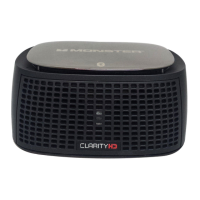
1.TurnthemainpowerswitchonthebackofiClarityHD
PrecisionMicroBluetoothSpeakertothe“ON”position.
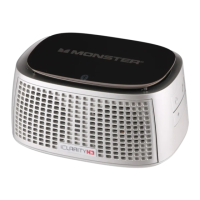
2.Pressandholddownthe buttonontherightsideof
iClarityHDPrecisionMicroBluetoothSpeakeruntilthelightonthefront
startsblinkingredandblue.Thisindicatesthatitisinpairingmode.
NOTE:iClarityHDPrecisionMicroBluetoothSpeakerwillstayinpairing
modefor3minutes.Ifyoudonotcompletethenextstepsbeforethen,
simplyturniClarityHDPrecisionMicroBluetoothSpeakermainpower
switchtoOFFandthenbacktoON,andrepeatstep2.








 To Next Page