2022-09-07 - 31 - 2200700
Vessel Settings
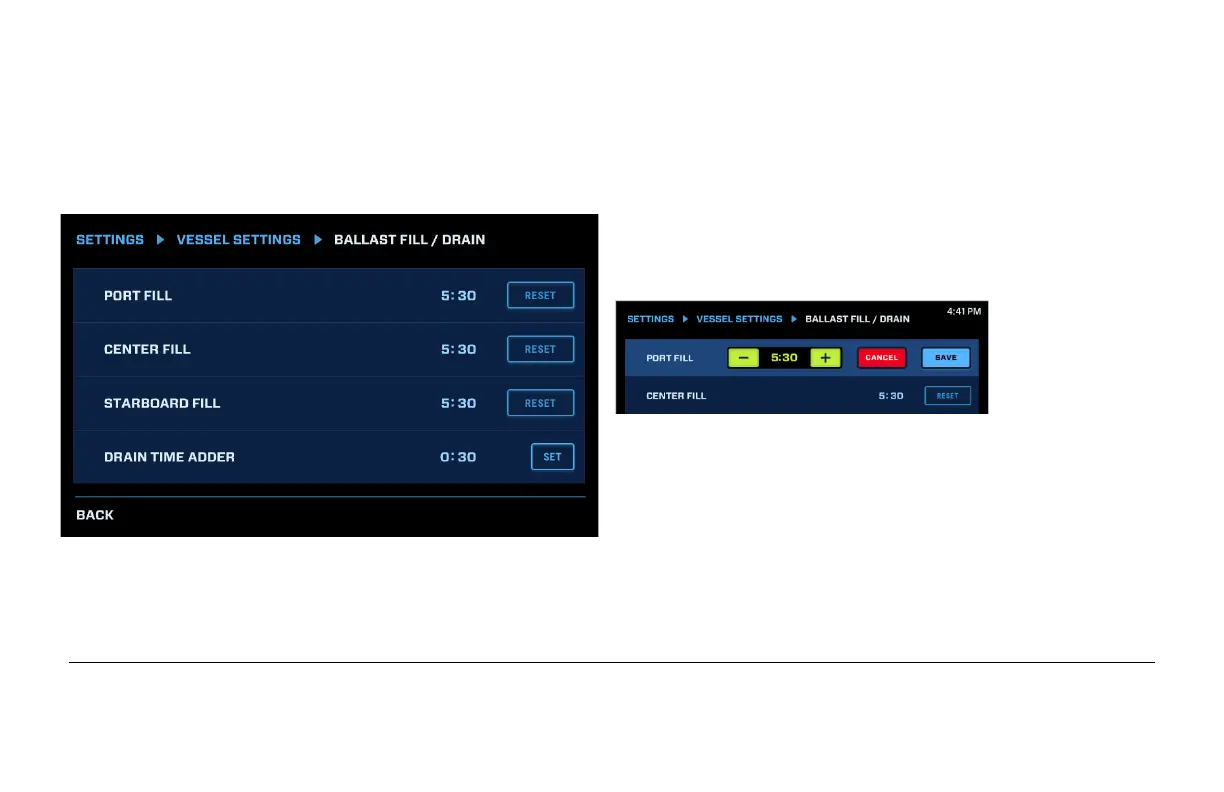
Ballast Fill/Drain
This screen establishes how long it will take for
each of the ballast bags to fill or drain. Touch
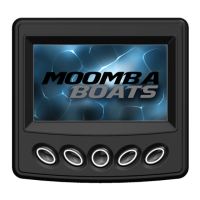
Reset to adjust a Fill time and the following will
appear:
Use the – and + keys to adjust the time and touch
Save.
Drain Time Adder will add additional time to the length it takes to fill the ballast, then designate that as
the Drain Time. In the example above, the Port Drain Time would be 6:00 (5:30 plus :30). The range
for this field is 0:00 to 3:00. Touch Set to save the setting.


 To Next Page