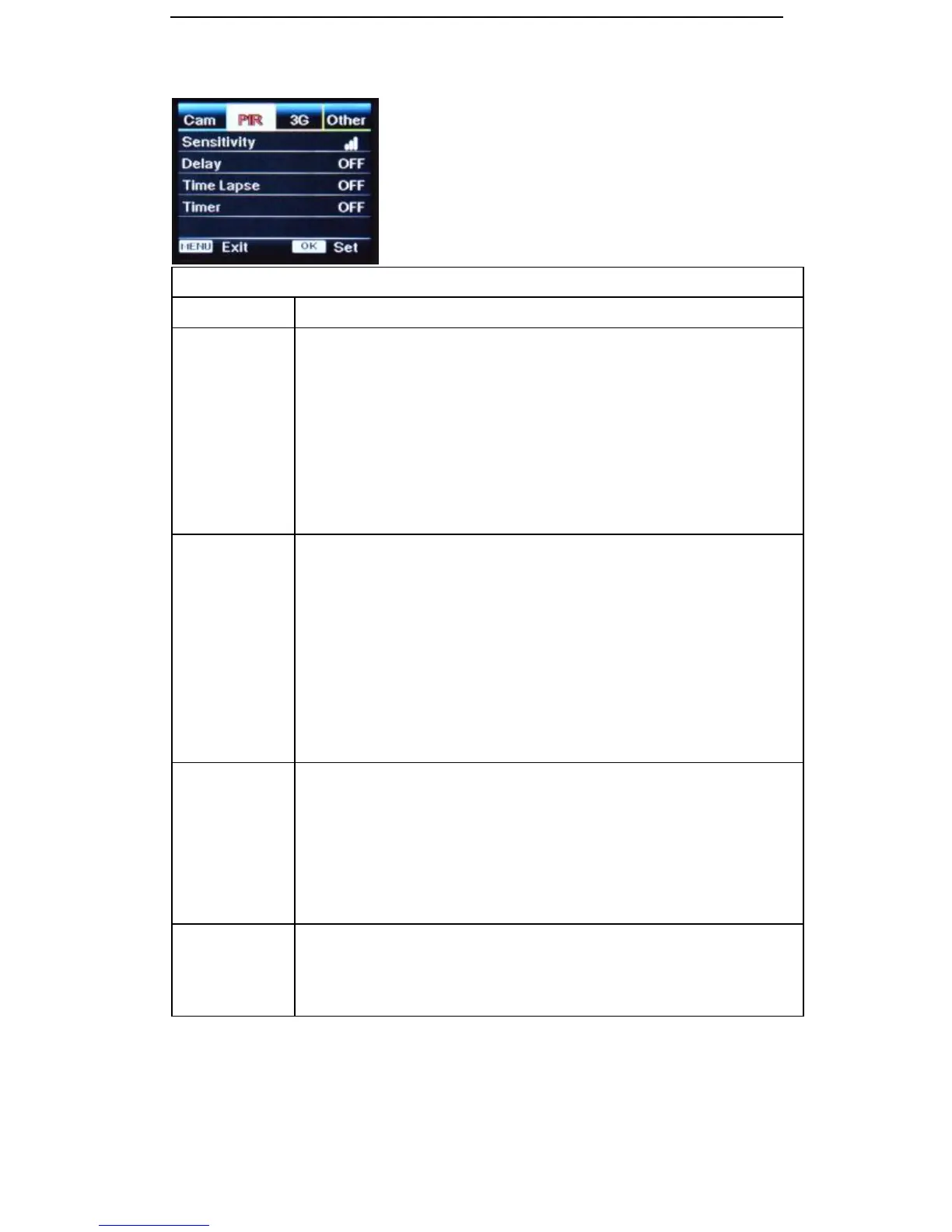
High, Medium and Low
Higher sensitivity is;
1) More sensitive to movements by smaller subjects
2) Longer detection distance
3) Easier for sensor to detect the difference between body heat and outdoor
temperature
In high temperature environments (>35
0
c) the difference in temperature
between the body heat of subjects and the environment is more difficult to
distinguish by the camera. Suggested setting for this environment is High.
This option turns off the PIR sensor for the user set timeframe after each
trigger and stops the camera from taking too many photos in high activity
areas.This feature is particularly useful when the camera is used at feedlots or
watering points where subjects may linger for some time.
Select “ON”, press “OK”, to set a time interval that you desire between
photos/videos upon PIR trigger.
Example: Camera will wait 1 minute between photo/video recordings with
motion if pre-set time interval is 00:01:00
Configurable delay time: 3 seconds to 24 hours.
Note: Time Lapse and Delay will not work simultaneously.
Select “ON” then press “OK” to set the interval. The PIR sensor of camera
will be turned off. The camera will shoot pics or video clips automatically
upon the interval that is set by the user.
Example: Camera will take a photo or video every 1 minute if pre-set time
interval is 00:01:00
Configurable interval: 5 seconds to 24 hours.
Note: Time Lapse and Delay will not work simultaneously.
Select “ON”, press “OK”, to set the beginning time and end time (hour/minute)
The camera and PIR Sensor will only work during the time period set by user.
Example: 15:00 – 18:00 Camera will only work between 15:00 – 18:00
Useful when you only want photos at set times, such as dawn or dusk


 To Next Page