Power on and off the machine
Start cleaning
Use Instructions
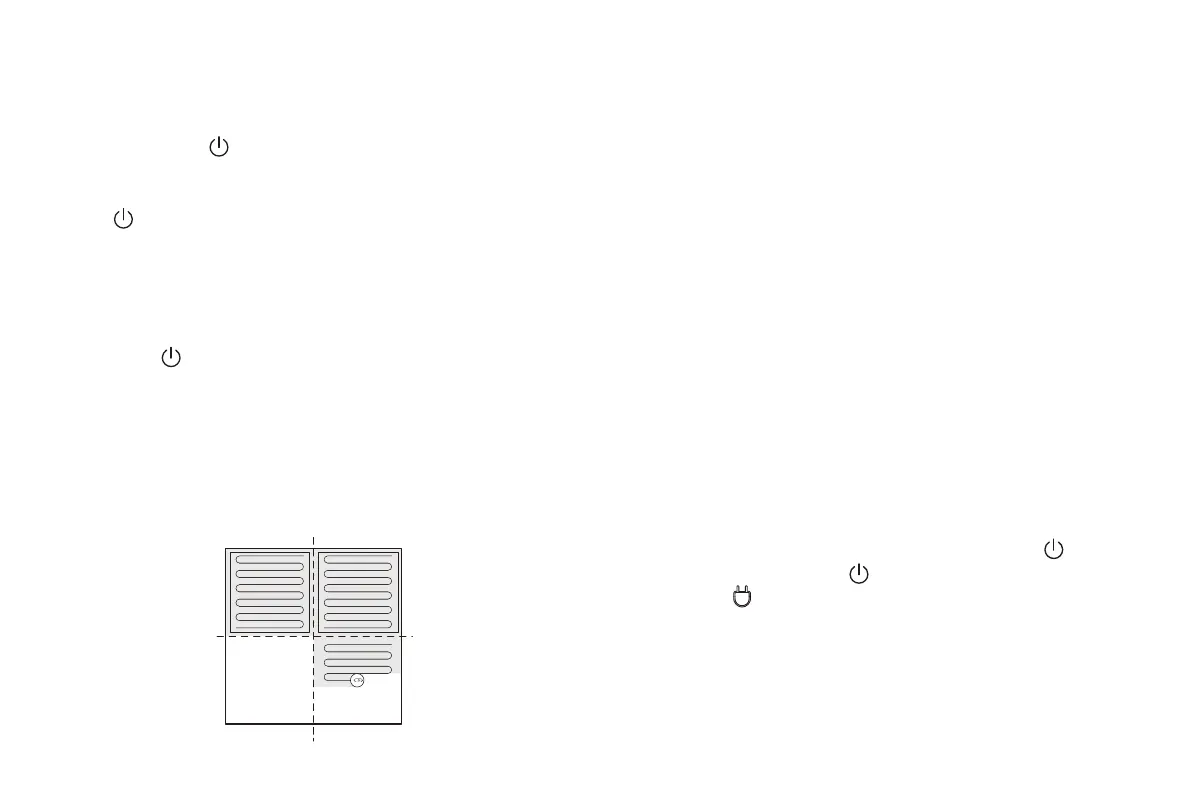
Zone 1: Cleaned Zone 2: Cleaned
Zone 3: CleaningZone 4: To be cleaned
Tap and hold the button to power on the machine. Then, the
power indicator is on, and the vacuum cleaner enters the standby
state. When the vacuum cleaner is in a static state, press and hold
the button to power off the machine and stop the current cleaning
task.
Tip:
The vacuum cleaner in charging state cannot be powered off.
Pause cleaning
Press the button to start cleaning. Then, the vacuum
cleaner dynamically plans the cleaning route according to the
map generated after scanning, and completes cleaning of
different zones one by one. In each zone, the vacuum cleaner
first sweeps the floor along the wall, and then moves in zigzag
mode to clean the remaining part of the zone in an orderly and
efficient manner.
Tips:
• If the power is too low, the vacuum cleaner cannot start
cleaning. Therefore, charge the vacuum cleaner before
starting it.
• Before cleaning, tidy up all kinds of wires on the ground
(including the power cord of the docking station). Otherwise,
the vacuum cleaner may drag the wires while cleaning,
which may cause power failures of other electric appliance or
damage to items or wires.
• If the cleaning area is less than 2 square meters, the vacuum
cleaner will clean the area twice by default.
• If the power is insufficient in the cleaning process, the main unit
will automatically return to the docking station for charging.
After the power is sufficient, the main unit will automatically
return to the interrupted point to continue cleaning (ensure
that you have enabled the resumable cleaning function).
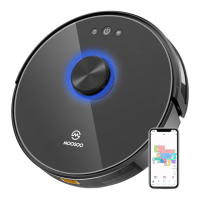
If you need to pause the robot vacuum, please press the
button. You can press the button to continue cleaning, or
pressthe button to return to the docking station and stop
the current cleaning task.
Tip:
In pause state, if the vacuum cleaner returns to the docking station
for charging, the current cleaning task is stopped.
10


 To Next Page