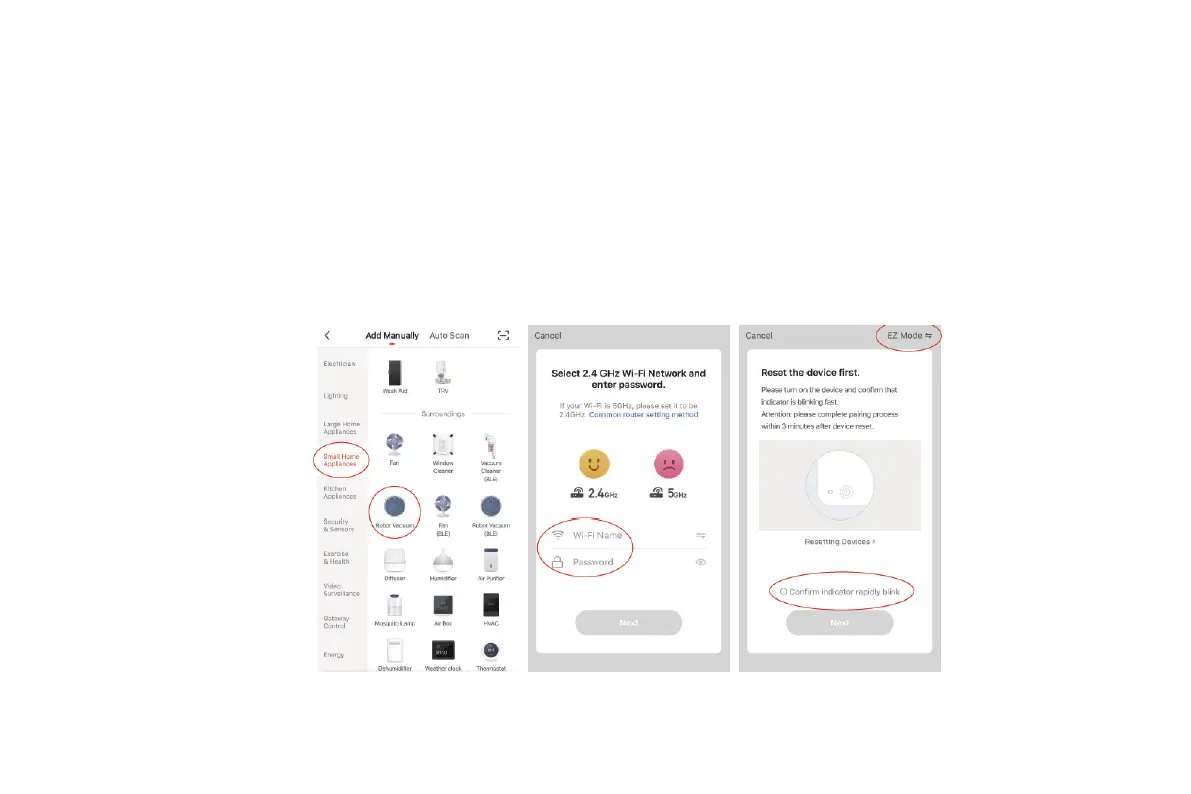
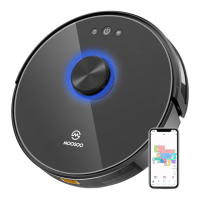
Download the Smart Life app, tap the plus (+) sign to add the home appliance, and select the 2.4 GHz Wi-Fi network. Enter the correct Wi-Fi
name and password, and tap Next to connect the vacuum cleaner to the Wi-Fi network. You can configure the Wi-Fi network using either of the
following methods:
1. Wi-Fi fast connection: Press and hold the Wi-Fi button on the machine for 3s. The machine beeps and enters the EZ mode, and the Wi-Fi
indicator blinks quickly. Then, you can add the device and pair the device with the app.
When the app prompts that the connection is set up successfully, you can operate the machine in the app.
Installation
22


 To Next Page