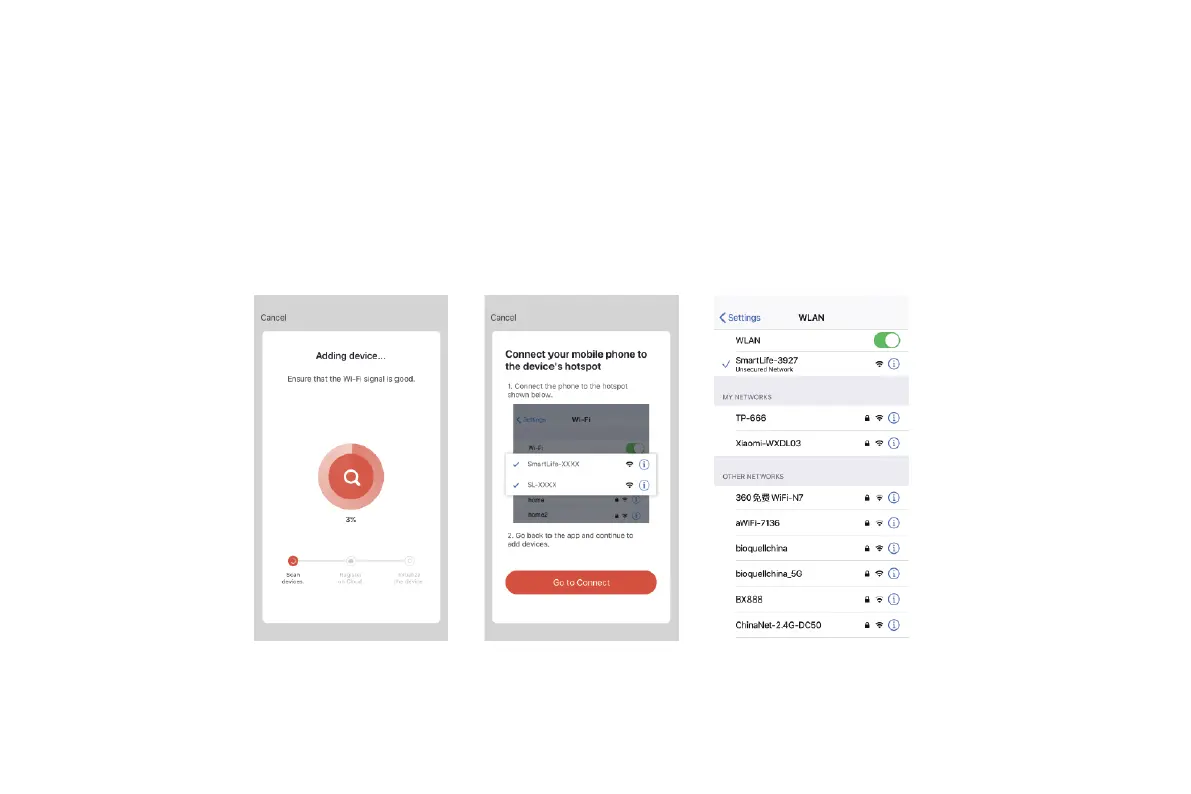
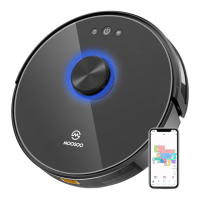
2. Hotspot pairing: Press and hold the Wi-Fi button on the machine for 6s. The machine beeps every 3s. After the machine beeps twice, it enters
the AP mode, and the Wi-Fi indicator blinks slowly. Then, you can enter the correct Wi-Fi name and password, and tap Go to Connect. Select
the SmartLife-XXXX hotspot without password. This hotspot is created after the machine is connected to your Wi-Fi network. After the machine
is connected to the hotspot, return to the Smart Life app. The app automatically returns to the Connect your mobile phone to the device's
hotspot screen. When the app prompts that the connection is set up successfully, you can operate the machine in the app.
23


 To Next Page