Pin and Go
Tip:
If you activate partial cleaning when the vacuum cleaner is in
pause state, the current cleaning task will be stopped.
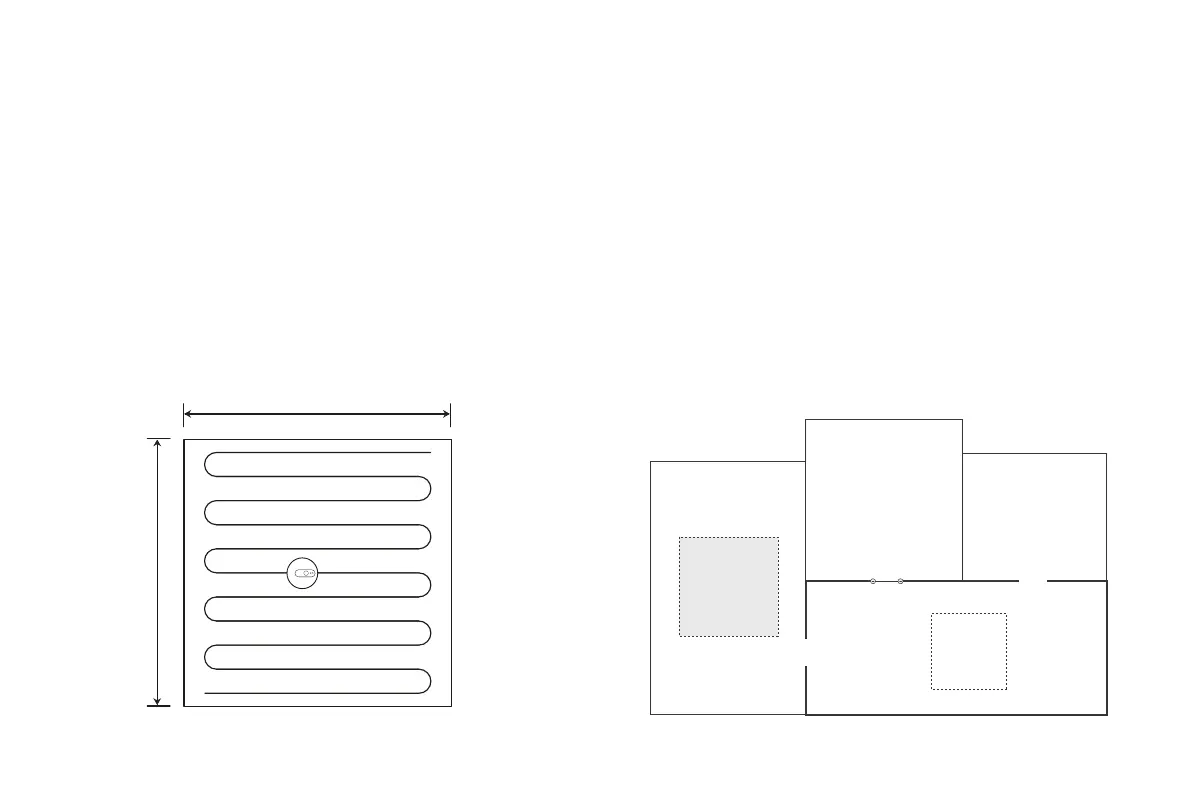
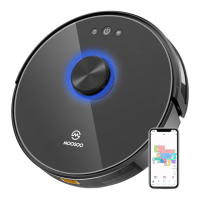
You can use the mobile app to specify a target point on the map.
The vacuum cleaner will automatically plan the route and move to
the specified point. If you specify a target point in the app when
the vacuum cleaner is in standby or pause state, the vacuum
cleaner will clean the 1.6mx1.6m square zone centered on this
point. After cleaning, the vacuum cleaner will automatically
return to the starting point and stop working.
You can use the mobile app to set a restricted zone or virtual wall.
After the setting is completed, the vacuum cleaner will not enter
the restricted zone or cross the virtual wall for cleaning.
Tips:
• Before using this function, you need to enable the map save mode
for the vacuum cleaner in the mobile app.
• This function is only used to divide cleaning zones, but cannot be
used to block dangerous zones.
• If the vacuum cleaner is moved or there are significant changes in
the home environment, the map may become invalid and the settings
of the virtual wall or restricted zone may be lost.
1.6 m
1.6 m
Set a restricted zone or virtual wall
Virtual wall
12
Restricted
zone for
mopping
Restricted
zone for
cleaning


 To Next Page